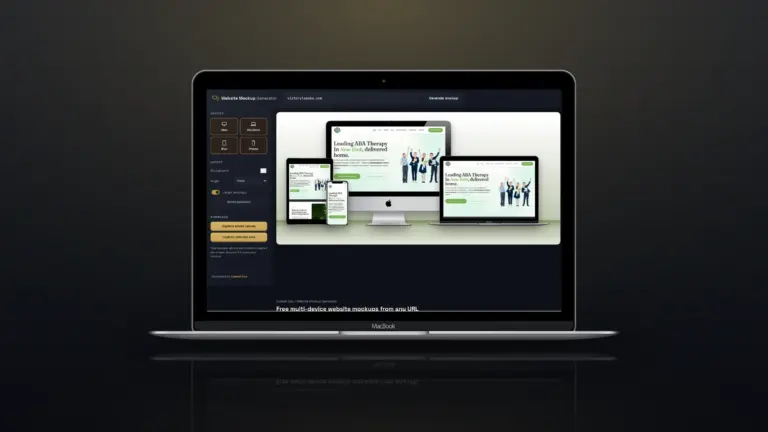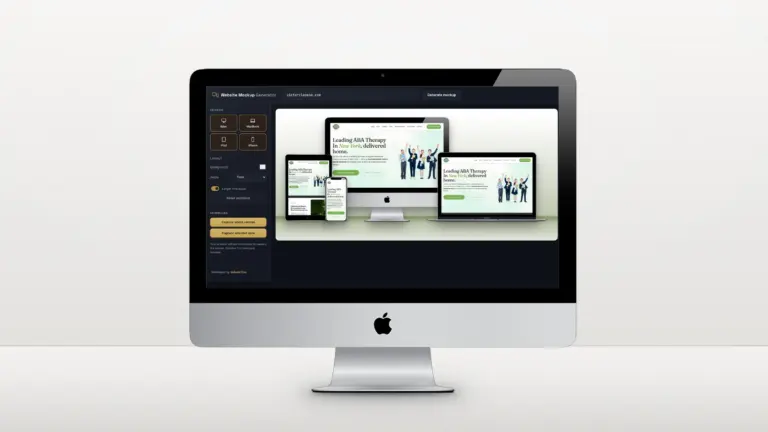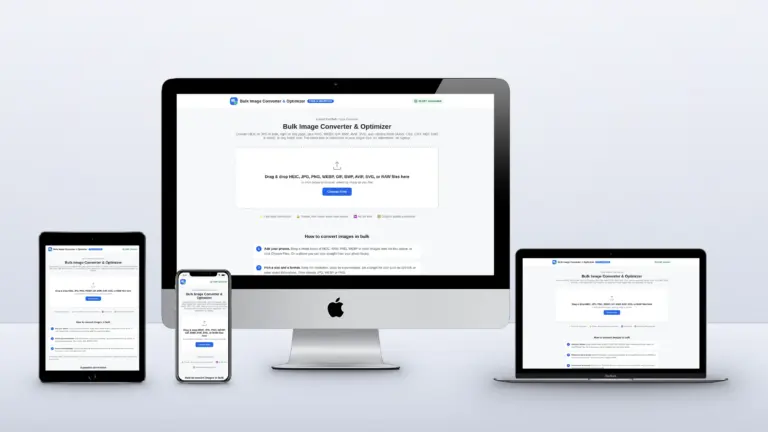

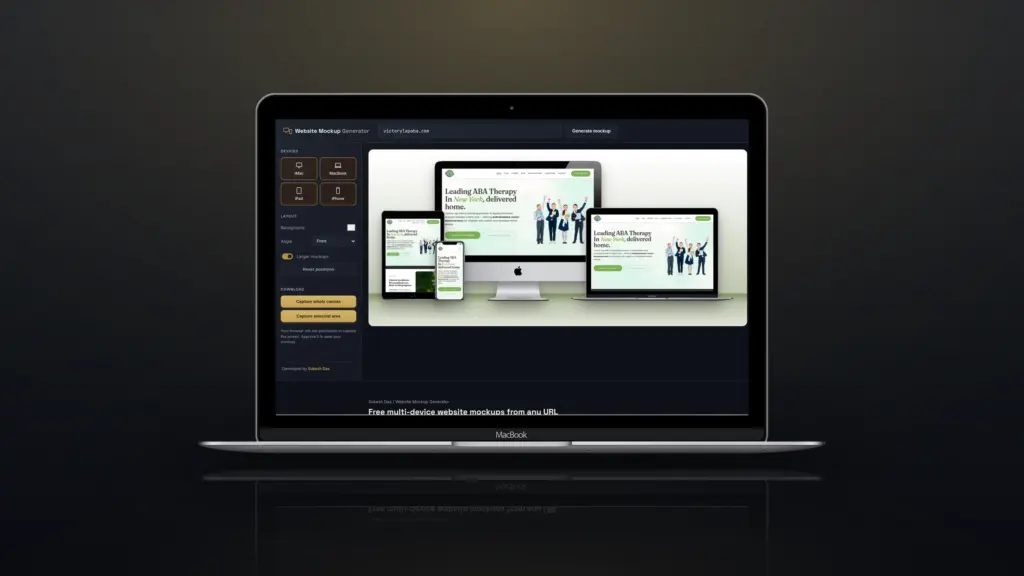
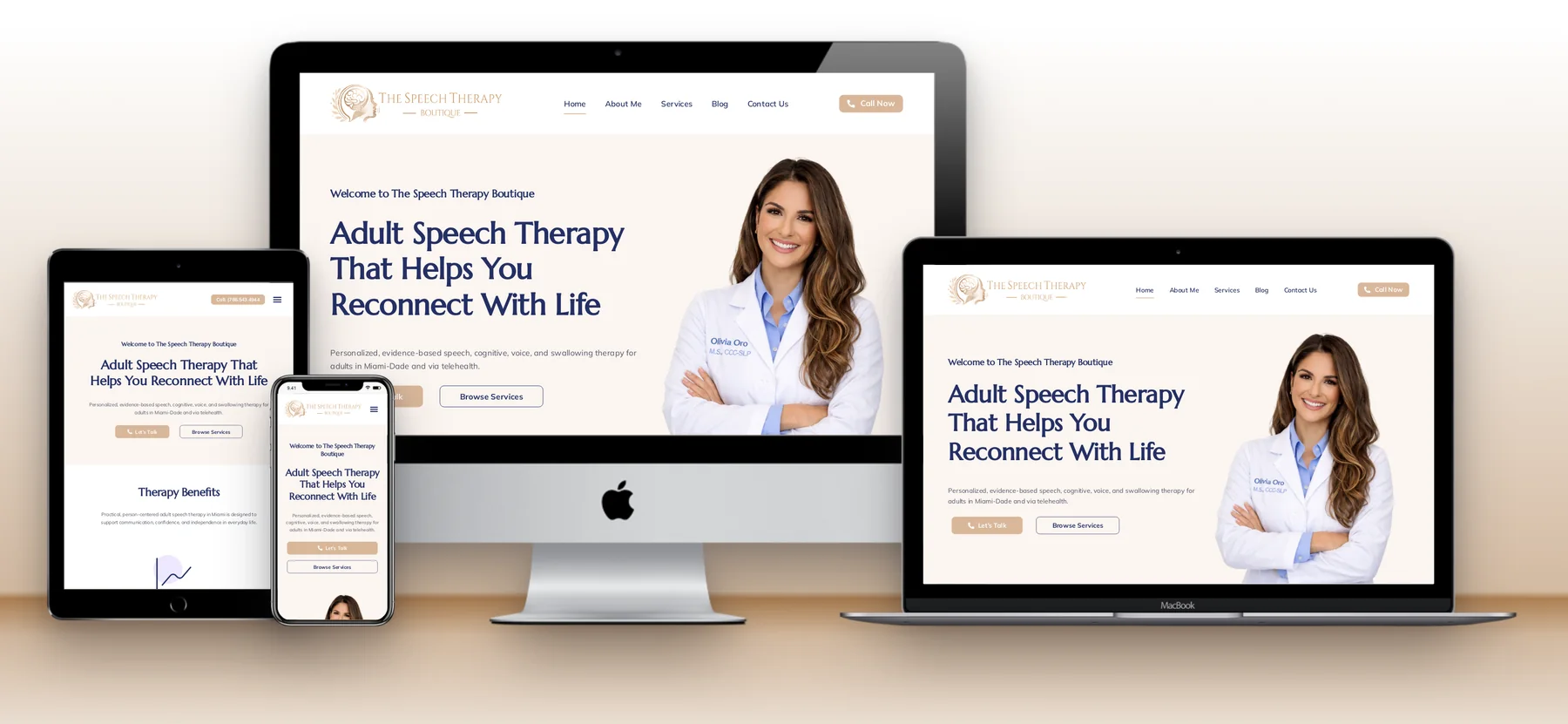
Every web designer needs website mockups, for portfolios, proposals and launch posts. The tools for making them fall into two camps: template tools where you upload a screenshot, and URL tools that load the live site for you. Most come with a catch, from a subscription to an account to no way to download the result. I wanted a free one that worked from a URL and showed the real mobile layout, so I built the Website Mockup Generator. Here is how the popular options compare.
Quick answer: If your site is live, the fastest route is a URL-based generator: paste the address in the free Website Mockup Generator and save a multi-device PNG. For styled single screenshots, Shots.so is lovely; for photo-realistic scenes with hands and desks, Placeit has the biggest library.
Website mockup tools compared
| Tool | How it works | Download | Cost |
|---|---|---|---|
| This generator (sukeshdas.com) | Paste a URL; the live site loads on 4 devices at real widths | Built-in PNG download (canvas or selected area) | Free, no account, no watermark |
| TechSini Multi-Device Mockup | Paste a URL; the site loads in 4 Apple devices | No download button; their page suggests Print Screen or a screenshot extension | Free |
| Shots.so | Upload your own screenshots into device frames | PNG or JPG; WebP export and premium effects on paid plans | Free plan; paid from $8 a month |
| Placeit | Pick a template and upload a screenshot | Unlimited downloads with a subscription | From $7.47 a month |
| Canva Mockups (formerly Smartmockups) | Upload a screenshot into a mockup template | Inside Canva | Needs a Canva account |
Details as shown on each tool’s own website in October 2026. They can change.
The options, one by one
TechSini Multi-Device Mockup
A long-standing free tool: paste a URL and the site loads in four Apple devices you can move around. It has no download button: its own page suggests Print Screen or a screenshot extension, and some sites won’t load inside its frames.
Shots.so
Beautiful styling, backgrounds and effects for screenshots you upload. It doesn’t load a site from its URL, and WebP export and premium effects sit on the paid plans.
Placeit
A huge template library, including real-world photos of people holding phones and laptops on desks. You upload screenshots, and unlimited downloads need a subscription.
Canva Mockups (formerly Smartmockups)
Handy if you already design in Canva: drop a screenshot into a mockup template. You need a Canva account to use it.
Why I built my own
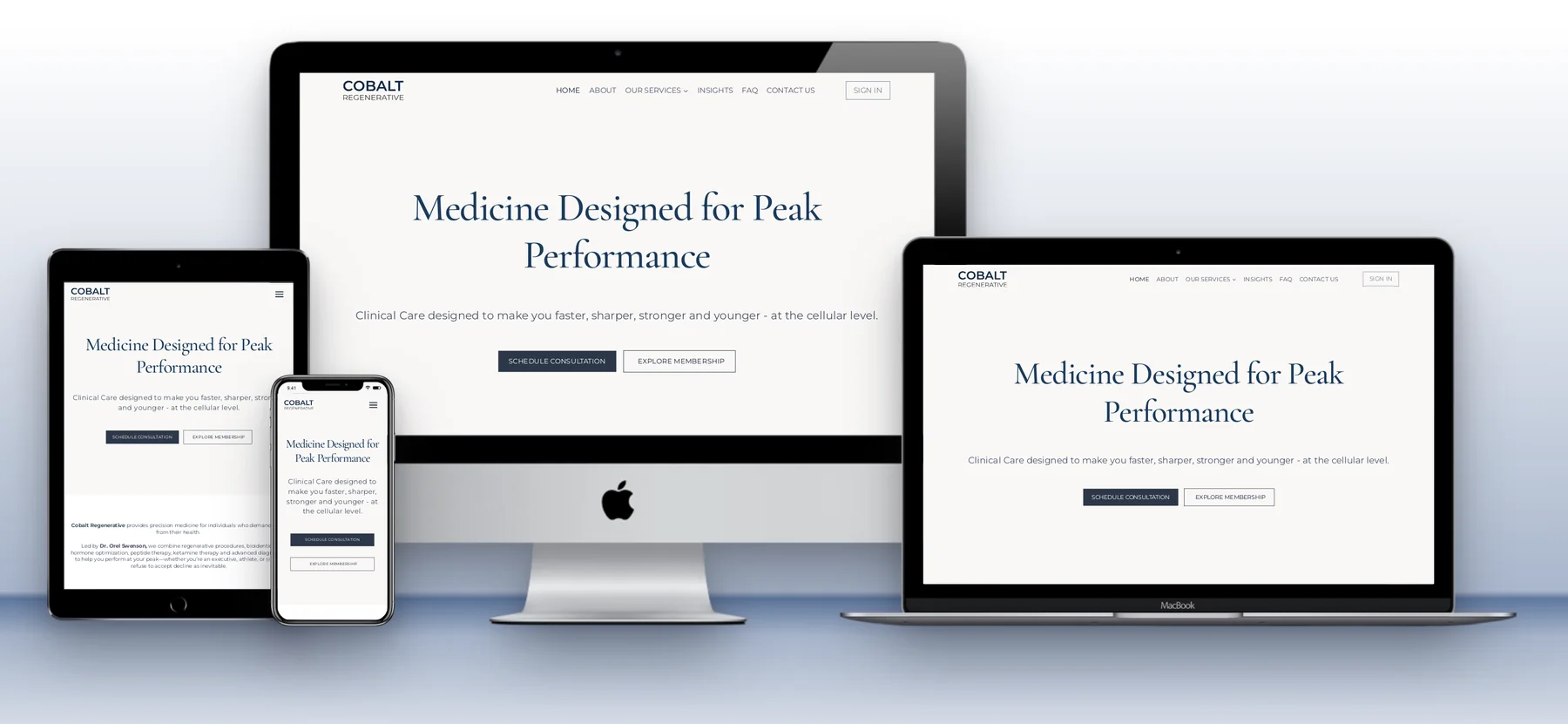
I wanted to paste a URL, see the real desktop, tablet and mobile layouts at once, and download the result, without an account or a subscription. Here is what the Website Mockup Generator does that the others don’t:
- Works straight from a URL. No screenshots to take, crop and upload. Paste the address and the site loads in every device.
- Real layouts on every device. Each frame loads the site at the width that device really uses (1440, 810 and 390 pixels), so the phone shows the true mobile layout, not a shrunken desktop page.
- Loads sites that block framing. Many websites refuse to be shown inside another page, which is why some URL-based mockup tools show a blank frame for them. This one fetches the page through its own proxy, so most sites load.
- Live, clickable frames. Scroll each device to a different section, open a menu or close a cookie banner before you save.
- A real download button. Save the whole canvas or crop a selected area as a PNG. No Print Screen, no browser extension, no editing afterwards.
- Shareable preview links. Send a link like /website-mockup/?url=client.com&larger=1 and it opens with the mockup already built.
- Full control of the layout. Drag devices anywhere, hide the ones you don’t need, pick any background colour, choose a front or perspective view and switch to larger mockups.
- Free, with no account, watermark or subscription. No sign-up and no paid plan to unlock downloads.
Which one should you use?
| You want | Good choice |
|---|---|
| A multi-device mockup of a live site in a minute | Website Mockup Generator |
| To check a responsive layout on all screens at once | Website Mockup Generator |
| A stylish single screenshot with effects | Shots.so |
| Photo-realistic scenes with people and desks | Placeit |
| Mockups inside an existing Canva design | Canva Mockups |
Want your website presented like this?
Every project in my portfolio is shown with multi-device mockups. If you need a new website, or a tool built around your own workflow, get in touch.
Frequently asked questions
What is the best free website mockup generator?
For a live site, a URL-based tool is quickest. The Website Mockup Generator is free, needs no account and shows each device at its real screen width.
Is there a free Placeit alternative for website mockups?
Yes. If you only need device mockups of a website, paste its URL into the Website Mockup Generator and download the PNG for free.
Can I make a website mockup without a screenshot?
Yes, with a URL-based generator. It loads the live site inside each device, so there is nothing to capture or crop first.
Does the Website Mockup Generator add a watermark?
No. Mockups are saved as clean PNGs with no watermark and no branding, so they are ready for client work.