
How to Convert Images to WebP in Bulk for a Faster Website
Convert JPG and PNG images to WebP in bulk before you upload them, with real before…


Slow pages lose visitors and rankings. My WordPress speed optimization service measures what is slowing your site down, fixes the biggest causes first, and shows you the before and after.


01Quick answer
Measure first with PageSpeed Insights and real-user data, then fix the biggest causes: oversized images, too many plugins and scripts, fonts and CSS that block the page, missing caching and slow hosting. Caching helps, but on its own it rarely fixes a heavy site.
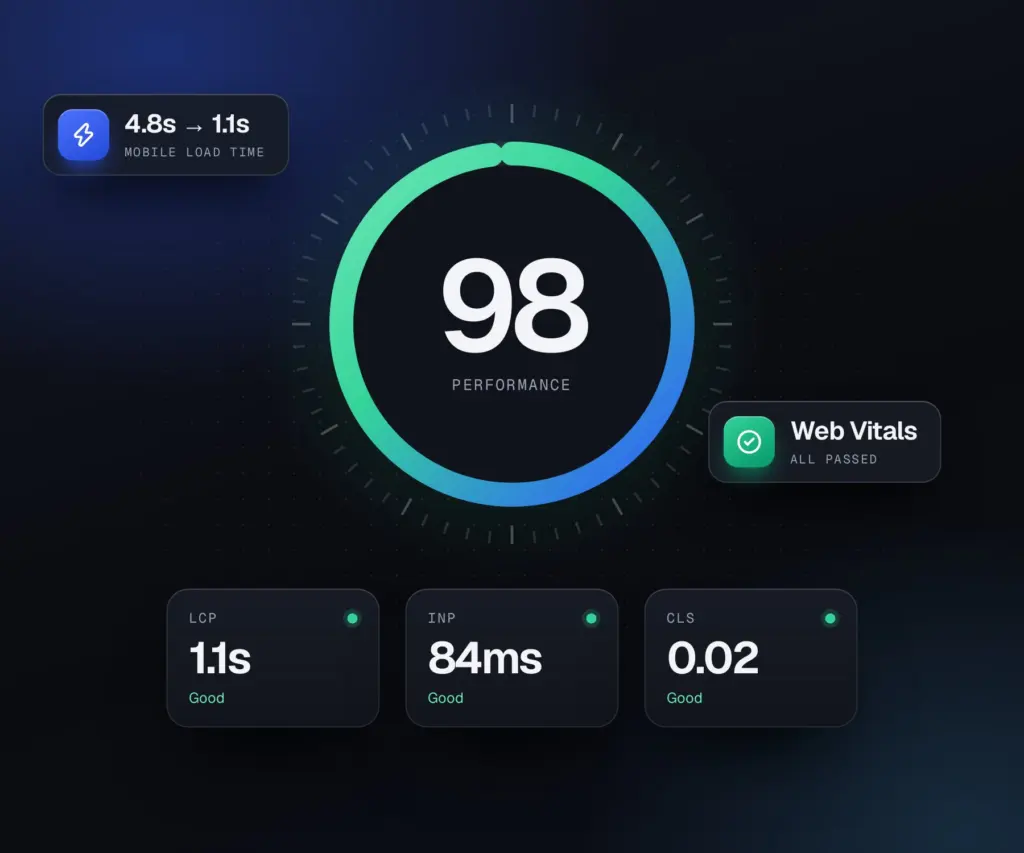
02What you get
WordPress performance optimization from the audit to the report, focused on what visitors actually feel.
03Who it is for
Most of these clients are in the US, UK, Canada and Australia, and I have worked with clients in 70 countries.
Not the right fit if you only want a green score screenshot. I fix speed people can feel.
Pages that take seconds to load, poor Core Web Vitals, or a builder that has grown heavy.
Faster product and checkout pages, because every second there costs sales.
The real causes fixed, not a plugin stack that hides them for a week.
04Sound familiar?
PageSpeed shows your site in the red on mobile, where most of your visitors are.
Search Console flags pages as poor, and you are not sure what to fix first.
You installed a caching plugin and the site is still slow, or something broke.
05Under the hood
The technical work behind the numbers. Google rates a page as good when at least 75% of real visits meet each Core Web Vitals target.
The main image or heading is found and loaded first: preloaded, sized correctly, served as WebP or AVIF and never lazy loaded. Target: under 2.5 seconds.
Long JavaScript tasks are found in a performance trace, then heavy scripts are delayed, split or removed so taps respond quickly. Target: under 200 ms.
Images, embeds and ads get reserved space, and fonts load with matched fallbacks so text does not jump. Target: under 0.1.
PHP version, object caching, slow database queries and hosting are checked, since every other metric waits on the first byte.
Critical CSS is inlined for the first screen, the rest is deferred, and plugin scripts are unloaded on pages that do not use them.
Image weight cut with correct sizes and modern formats, and fonts trimmed to the weights in use, self-hosted and preloaded where it helps.
Chat widgets, pixels, embeds and tag managers measured one by one, then delayed, replaced or removed when the cost outweighs the value.
Slow queries, bloated autoloaded options and heavy plugins found by profiling the site, not by guessing.
Results are checked against real-user Chrome data in Search Console, which is what Google uses, not only a single PageSpeed test.
06How it works
Send a short brief or book a call. I reply within one working day with questions or next steps.
You get the scope, the price and a dated plan in writing before any work starts.
Built and tested on a staging copy, with an update after each milestone.
It goes live at a quiet time, I check everything again, and you get a recorded walkthrough and notes.
07Why work with me
You talk to the person doing the work, from the first call to launch day. The domain, hosting, content and code stay in your accounts, and the price is agreed before anything starts.
More about me08Reviews
Real feedbackEvery review comes from a Fiverr or Google client, shown as written.
I’ve worked with Sukesh multiple times, and the consistency is what really stands out. He’s efficient, professional from start to finish, and always delivers on time. He pays close attention to detail, communicates…
I had an amazing experience working with Sukesh. He designed a professional website and logo for me, answered all my questions, and even created an instructional video so I can easily update my site on my own. He was…
Sukesh was great to work with. The website he built for me worked perfectly. He was quick to respond, even with the time difference. I highly recommend him. You will not disappointed.
It depends on the theme, plugins and hosting. I focus on real gains in load time and Core Web Vitals, and I tell you what is realistic after the audit.
Sometimes, but rarely on its own. Slow sites are usually caused by heavy images, too many plugins or a slow host. I measure first and fix the biggest causes.
Yes. Page experience, including Core Web Vitals, is one of the signals Google uses, and faster pages keep more of the visitors you already have.
Not with care. I work on a staging copy or with a full backup, and test every page after each change.
Sometimes. If the server is the bottleneck, no amount of tuning fixes it, and I will show you the numbers before you decide.
Most sites take three to seven working days, including the audit, the fixes and the before and after report. Large shops or very heavy sites can take longer.
WordPress admin access, hosting access and, if you have it, Search Console access so I can see real-user Core Web Vitals data.
Oversized images, too many plugins, heavy page builders, third-party scripts such as chat widgets and trackers, no page caching and slow hosting.
They hold as long as the site stays light. You get notes on what to avoid, such as huge image uploads or heavy plugins, and care plans include regular speed checks.
Pairs well with
From the blog
Convert JPG and PNG images to WebP in bulk before you upload them, with real before…
Need photos under 100 KB, 200 KB or 1 MB for an upload form or a…
Booking new projects
Send the address. I will tell you what is slowing it down and what it takes to fix.

Usually replies within 4 hours9 AM to 11 PM, Bangladesh time
 Sukesh Das
Web designer and developer
Today
Hi, I'm Sukesh. Thanks for stopping by.
Tell me a little about your website and what you need. I will reply on WhatsApp with the next steps.
Before you go
I will check your site by hand for speed, mobile, SEO and the things that cost you enquiries, then email you a short report with the fixes in order of priority. No sales call, no obligation.