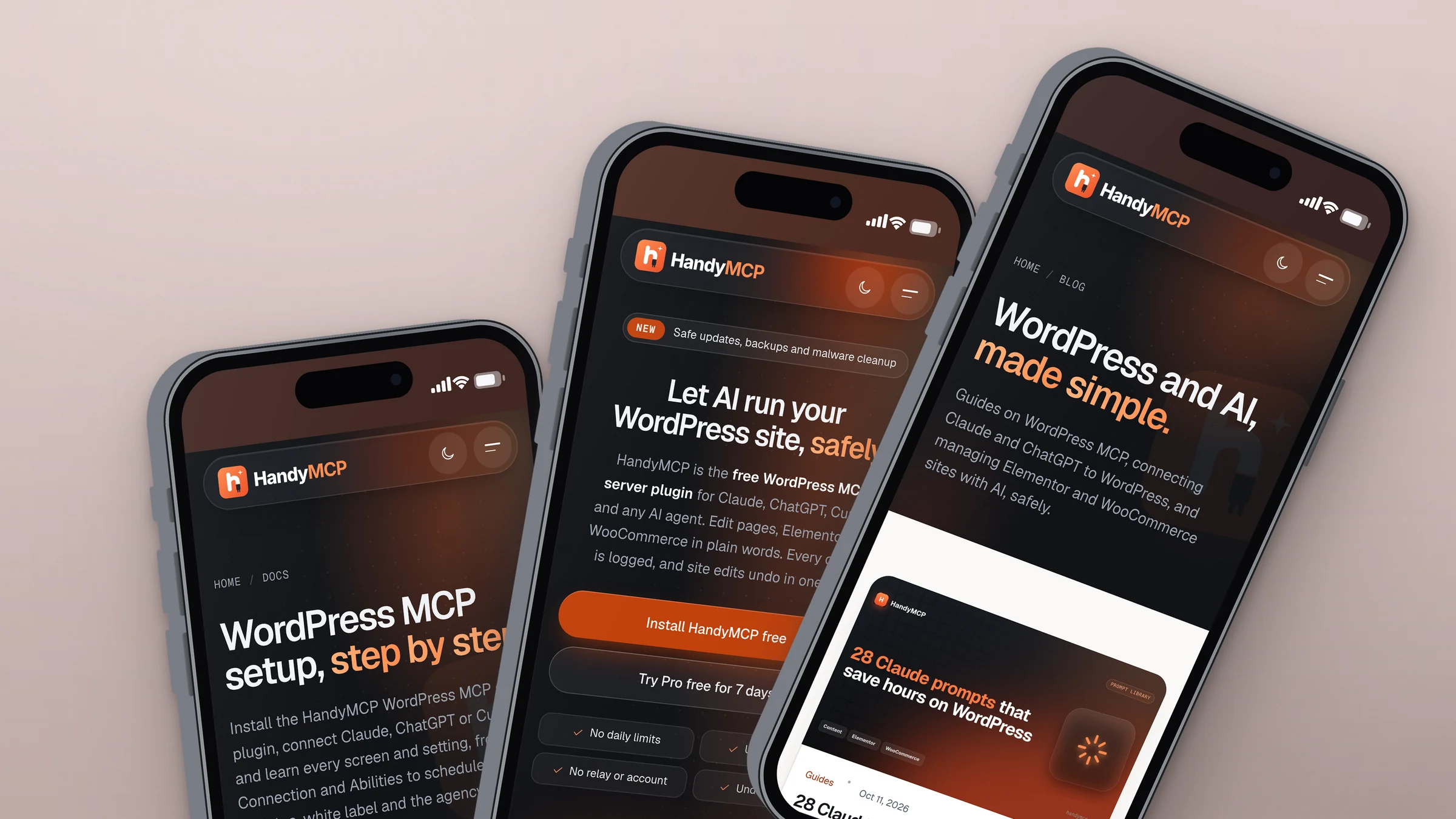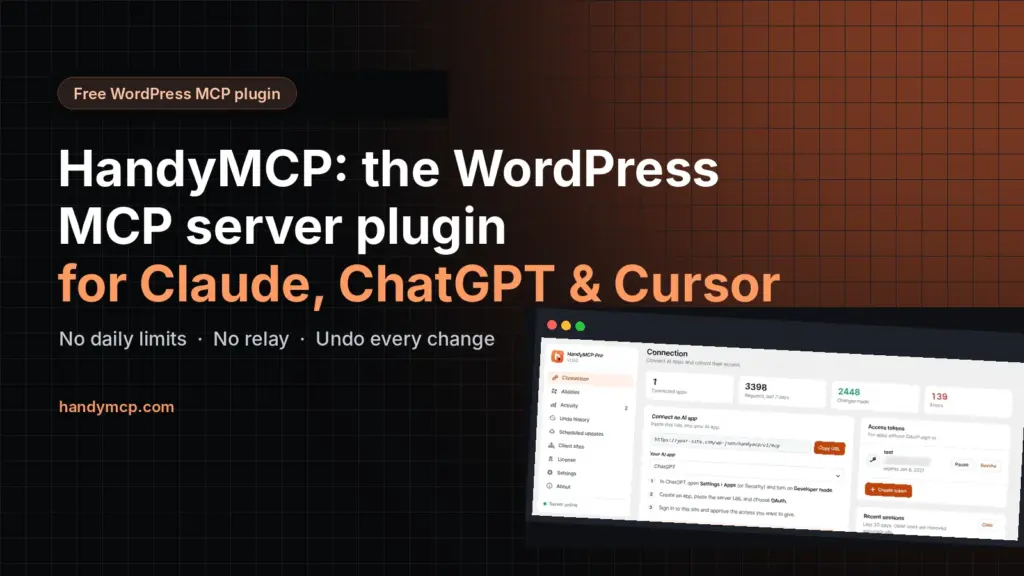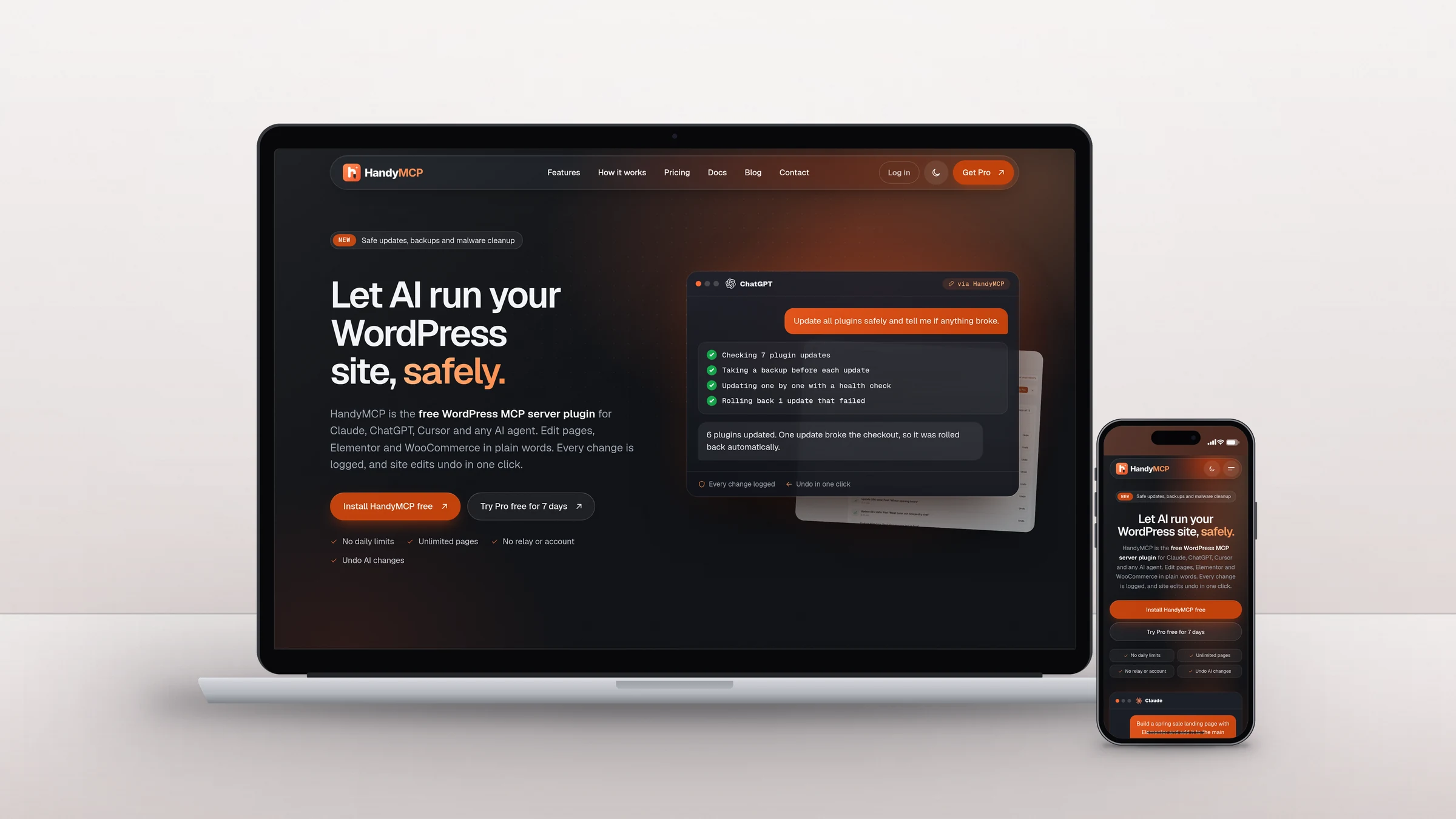
HandyMCP is a WordPress plugin I built that lets Claude, ChatGPT, Cursor and other AI assistants work on a WordPress site safely. A plugin like that needs more than a landing page. It needs a place to sell licenses, start free trials, deliver updates, answer support tickets and teach people how to set it up. So I designed and built handymcp.com as a complete SaaS website on WordPress, and wrote the license manager and the help desk myself instead of stacking paid plugins.
The goal: one fast site that runs the whole business
Most plugin businesses glue together a theme, a store plugin, a licensing add-on, a support desk on another domain and a docs tool on a third. Each one adds weight, a monthly fee and another login for customers. I wanted one site where a visitor can learn, try, buy, activate, update and get help, all with the same account and the same look.
What I built
A custom theme made for selling software
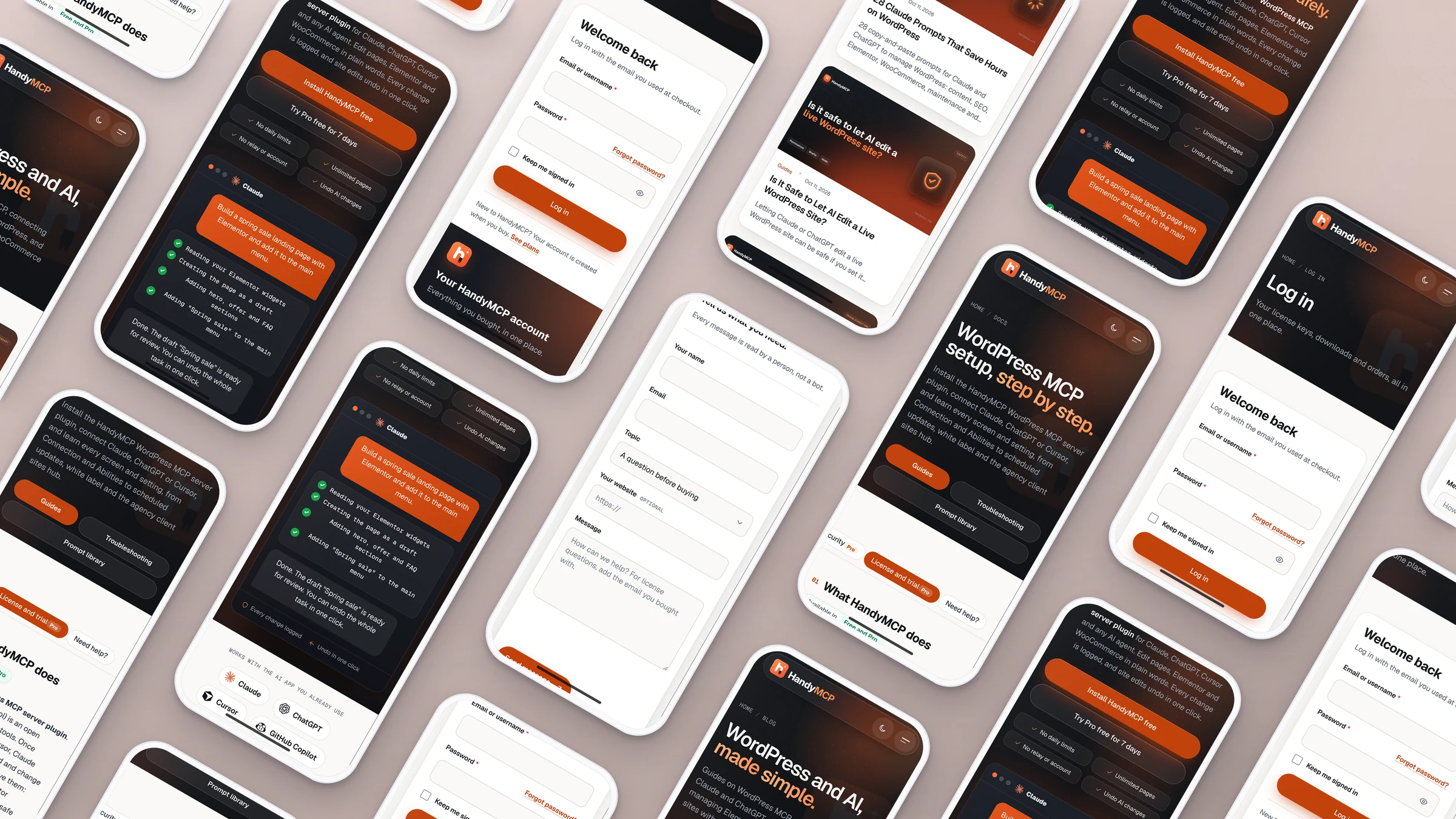
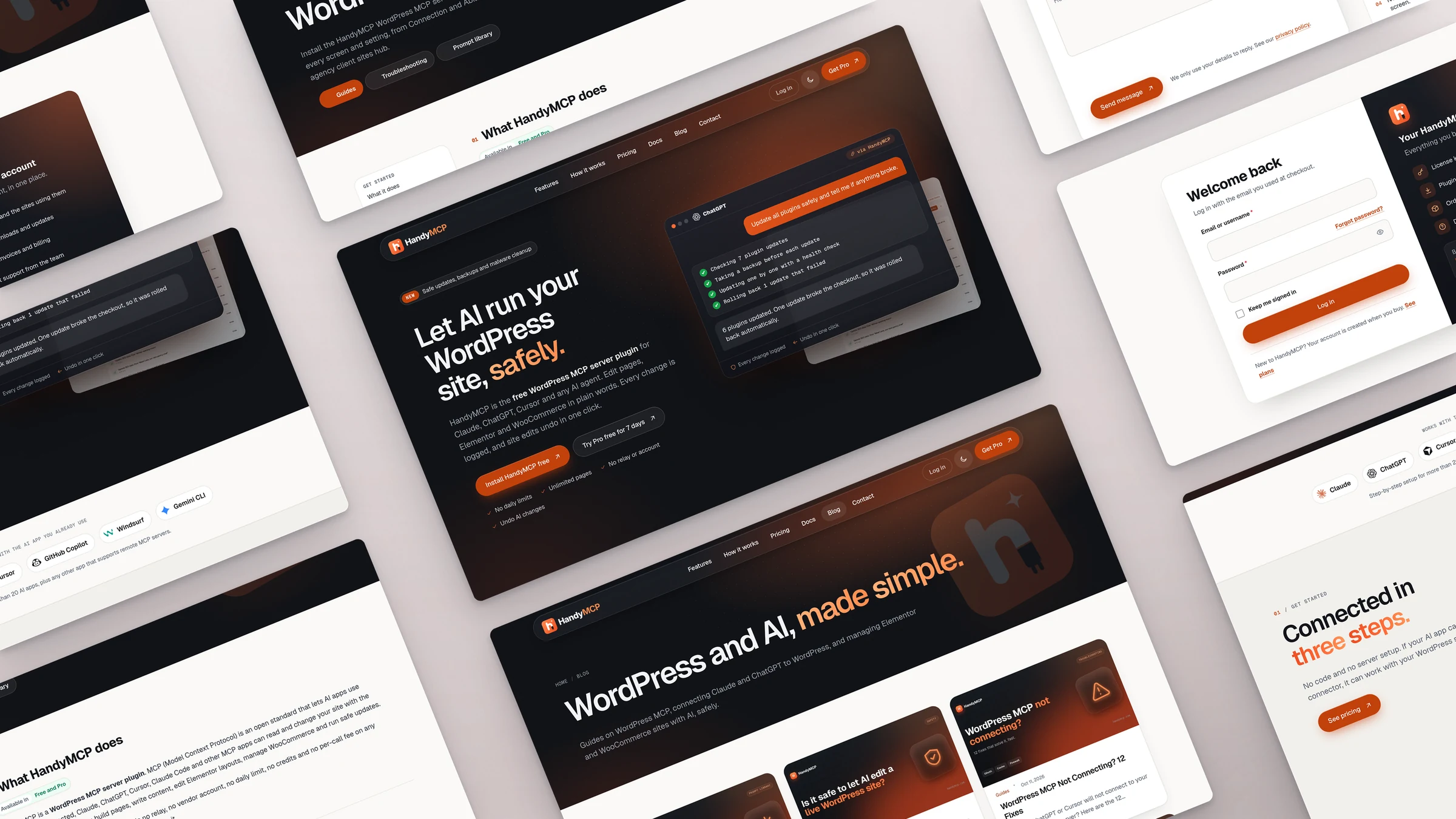
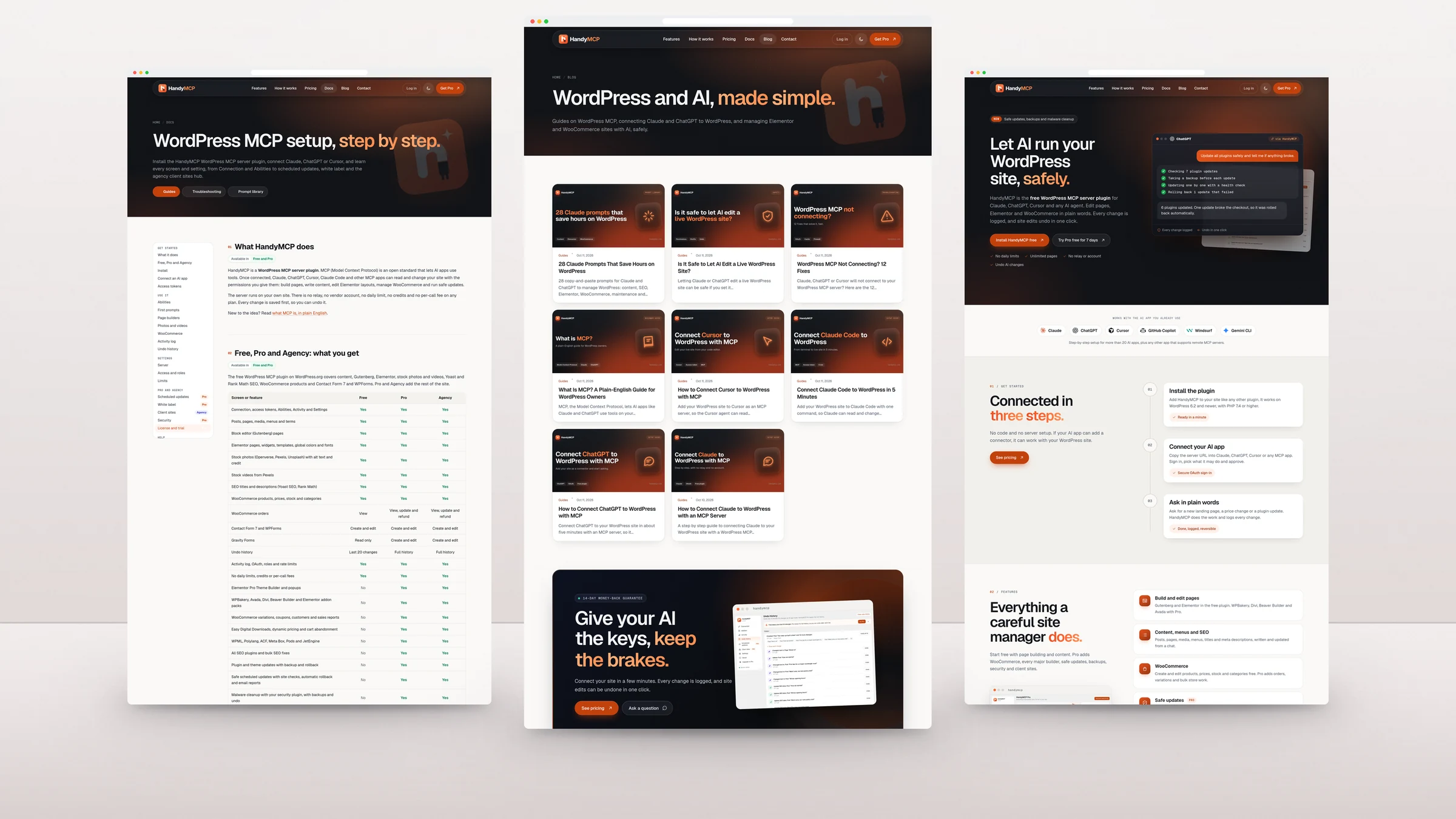
The site runs on a lightweight GeneratePress child theme I designed for HandyMCP: a full-height hero, a clear Free, Pro and Agency pricing table, a feature comparison that matches the plugin exactly, a prompt library, and pages written for both people and AI agents. It works cleanly on phones, tablets and desktops, and loads fast with LiteSpeed caching and no page builder.
Paddle checkout without leaving the page
Payments use Paddle Billing with an inline checkout, so buyers never jump to another site. Paddle handles tax and invoices worldwide, coupons sync both ways, and Paddle Retain helps recover failed renewals.
A custom license manager
Instead of a licensing plugin, I wrote SD Licensing from scratch. It creates license keys when a payment comes in, ties them to plans, and controls how many sites each license can activate. The plugin talks to it through a signed SDK, so keys cannot be faked, and Pro updates are delivered straight from the site with release notes.
- Licenses with site activation limits, plans, renewals and expiry
- A 7-day free Pro trial with trial coupons, reminder emails and conversion tracking
- An Overview dashboard with revenue, active trials, trial to paid conversion, a funnel, plan mix and trials ending soon
- A Customers CRM with search, detail view, bulk actions, load more and CSV export
- Copy-key buttons, trial tags and back buttons so the admin stays quick to use
- A My Account portal where customers see their licenses, sites, invoices and downloads
A custom support ticket system
Support runs on a help desk I built into the same site, so customers open tickets with the account they already have. Agents get an inbox with assignment, statuses, quick replies and settings. Replies go out by email and customers can answer by email too. Screenshots open in a lightbox, each ticket shows where the customer is writing from, and a floating notice shows agents their queue anywhere in wp-admin and shows customers when a reply is waiting.
Docs and troubleshooting that people actually read
The docs are split into Guides and Troubleshooting, each with a grouped sidebar, plan badges that show which features need Free, Pro or Agency, real screenshots and collapsible answers. FAQ schema is added automatically so answers can show up in Google.
SEO, a blog and protection built in
Every page has its own title, description and schema. A blog of guides on WordPress MCP, AI agents and site management publishes on a schedule, links to unpublished posts stay plain text until they go live, and the cache clears itself when a post is published. Forms are protected with Cloudflare Turnstile instead of annoying captchas.
The result
HandyMCP now sells, licenses, updates and supports itself from one fast WordPress site. No licensing subscription, no separate help desk tool, and nothing a customer has to log in to twice. If you are launching a plugin, an app or any digital product and want the same setup, let’s talk. You can also read how I built the HandyMCP plugin itself.