
If you have ever run a page through PageSpeed Insights, you have probably seen “Serve images in modern formats”. It is Google’s way of saying your JPGs and PNGs could be WebP. Google’s own numbers put WebP at 25 to 34% smaller than JPEG at the same quality, and lossless WebP about 26% smaller than PNG (Google for Developers). On an image-heavy page, that is the difference between a quick load and a slow one on a phone.
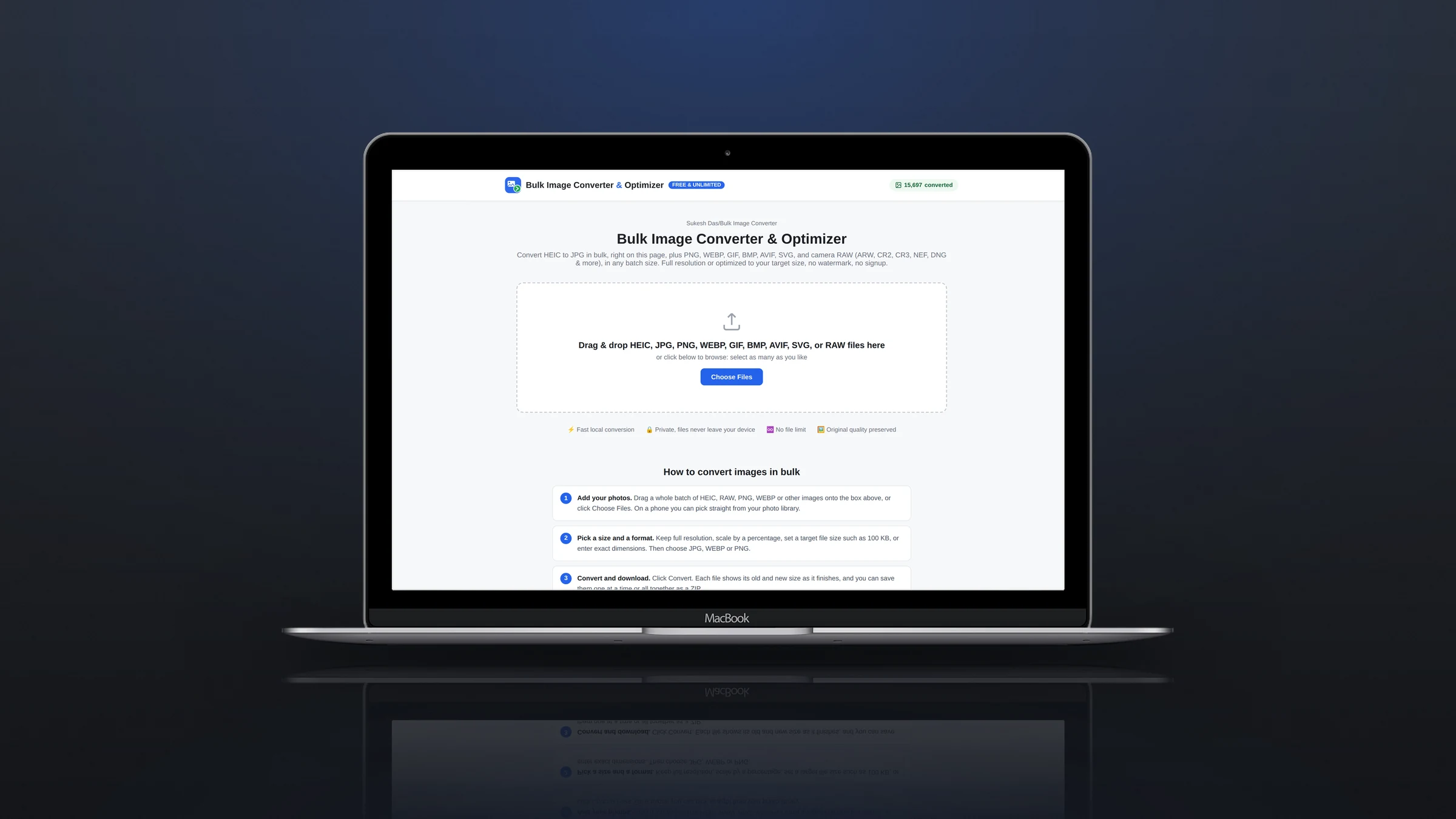
Quick answer: Open the free Bulk Image Converter, drop in your JPG and PNG files, choose WEBP as the output and set quality to about 80%. Convert, download the ZIP and upload the WebP files to your site. Nothing is uploaded during conversion; it all runs in your browser.
Real numbers from one batch
Here is a real run: four PNG photos totalling about 3.5 MB came out as WebP files totalling about 310 KB at 80% quality, roughly 90% smaller. PNG is a poor format for photos, so the savings are biggest there. Converting JPG to WebP saves less, usually a quarter to a third, in line with Google’s figures.
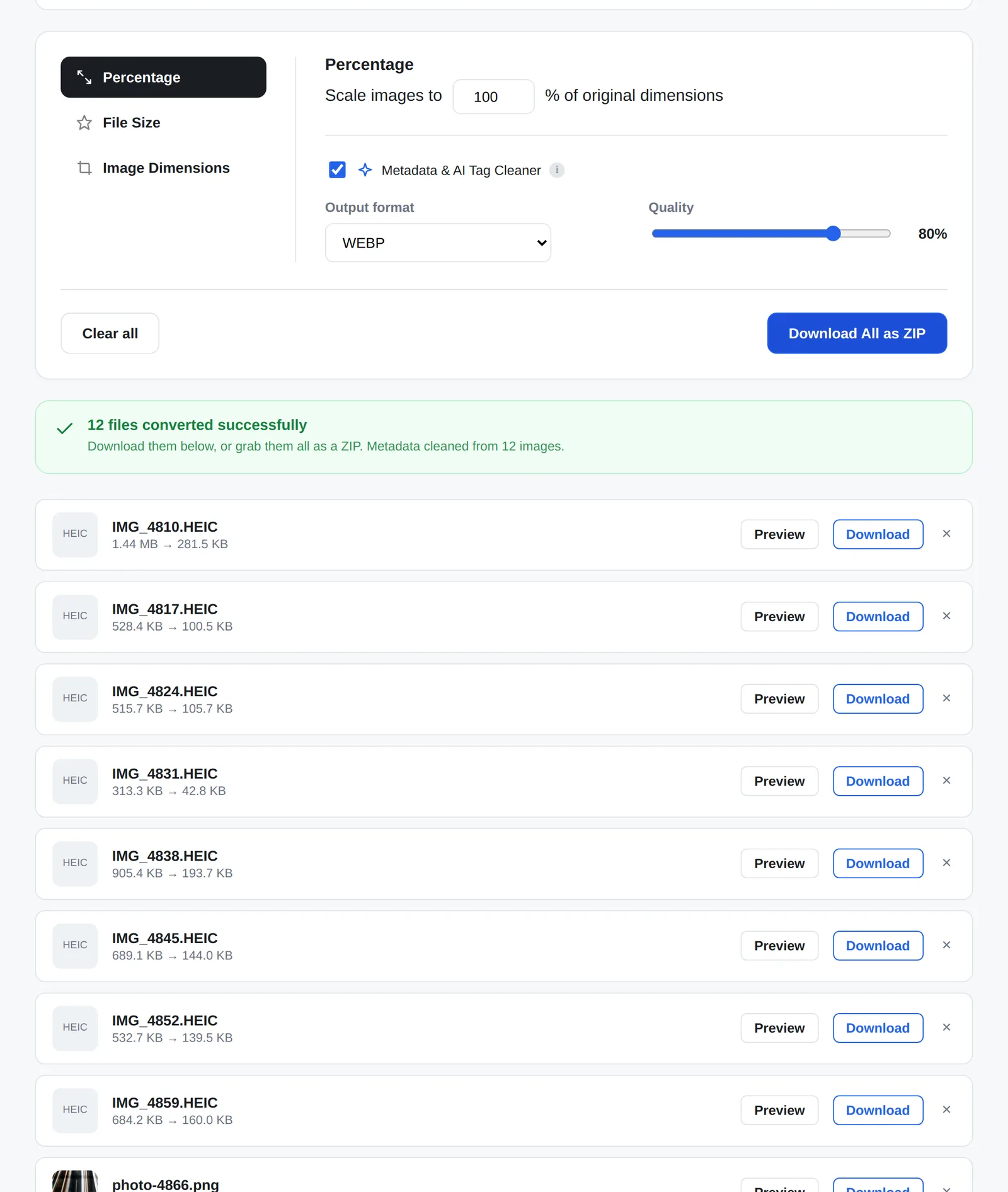
How to convert images to WebP in bulk
- Open the converter and add your images. JPG, PNG, HEIC, AVIF and even camera RAW files are fine.
- Choose WEBP under Output format.
- Set quality to 75 to 85% for photos. Turn on Percentage or Image Dimensions if the originals are much wider than your site needs.
- Convert, download the ZIP and upload the files.
WebP output works in Safari too. Safari can display WebP but has no built-in way to create it, so the converter carries its own WebAssembly build of Google’s libwebp encoder.
Do you even need to convert? It depends on your platform
| Platform | What happens to your images | What to do |
|---|---|---|
| WordPress | Accepts WebP uploads (since version 5.8) but serves whatever you upload unless a plugin converts it | Upload WebP, or use an optimization plugin |
| Squarespace | Accepts JPG, PNG, GIF and WebP and already serves images as WebP for display | Focus on size: about 2,500 px wide, under 500 KB |
| Shopify, Wix | Serve optimized formats automatically from their CDNs | Upload sensible sizes; format matters less |
| Custom-coded sites | Serve exactly the file you upload | Convert to WebP and size images for their slot |
Squarespace’s image guide covers its formats and the 500 KB recommendation (Squarespace Help). On platforms that convert for you, the bigger win is uploading images at the right size rather than a 6 MB photo straight from a camera.
When not to use WebP
- Logos and icons are usually better as SVG.
- Files you send to clients, printers or upload forms are safer as JPG, which opens everywhere.
- Images you will edit again should stay in their original format; WebP is a delivery format, not a master copy.
A faster site is more than image formats
WebP helps, but it is one item on the list. Image sizes, lazy loading, caching, fonts and third-party scripts usually matter just as much. My speed optimization service covers all of it, and I build new sites on WordPress and Squarespace with fast images from day one.
Frequently asked questions
Is WebP better than JPG?
For websites, usually yes: smaller files at the same visual quality. For sharing, printing and upload forms, JPG is still the safer format.
Does WebP support transparency?
Yes. Transparent PNGs can be converted to WebP and keep their transparency.
Do all browsers support WebP?
All current versions of Chrome, Safari, Firefox and Edge display WebP.
Can I convert WebP back to JPG?
Yes. Drop WebP files into the same converter and choose JPG.