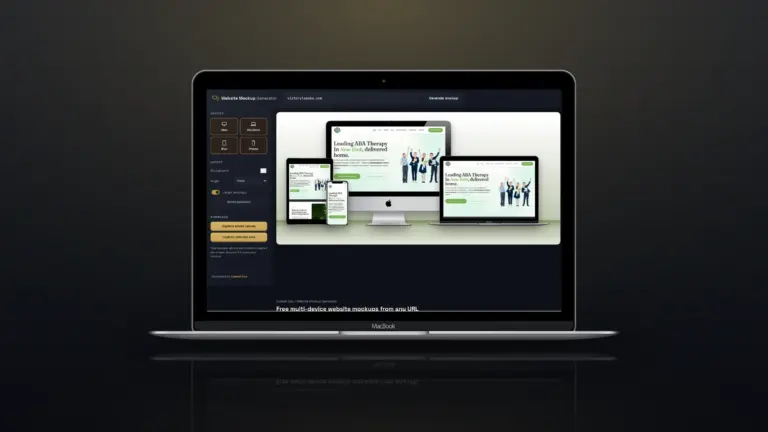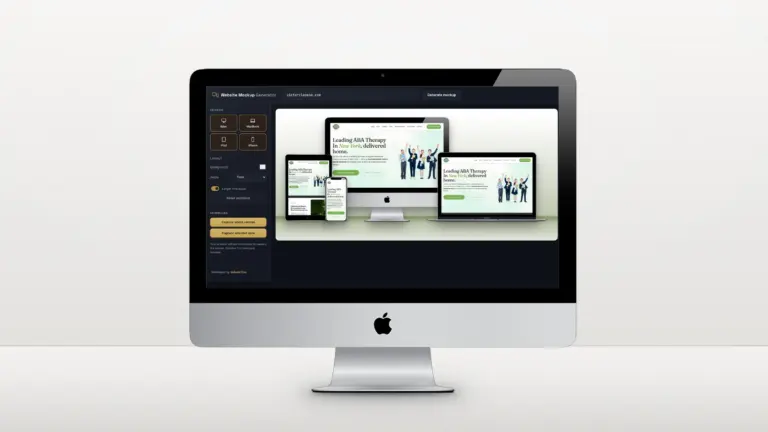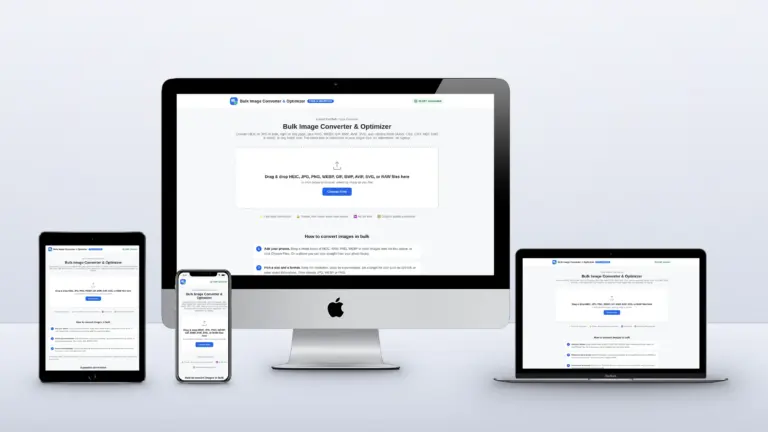

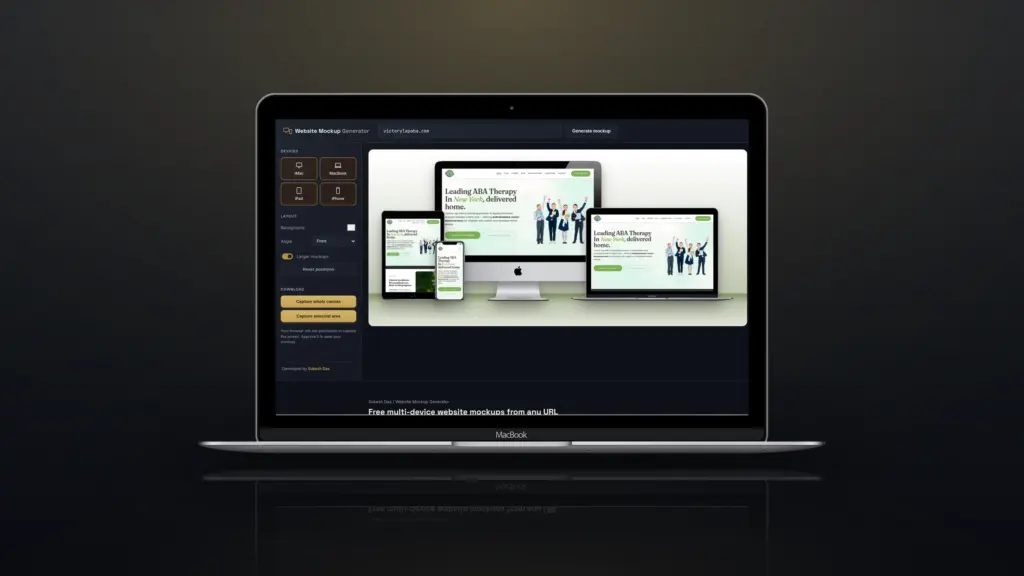
A web designer’s portfolio is judged in seconds. Before anyone reads a case study, they look at the pictures. A flat, cropped desktop screenshot says “here is a website”. A clean multi-device mockup says “this works everywhere, and I care how it’s presented”. After building more than 1,200 websites, here is how I show mine.
Quick answer: Show every project on desktop, tablet and phone, with each screen using its real responsive layout. Keep backgrounds simple and on-brand, show the parts of the site that sell, add one scrolling preview, and keep the images light so the portfolio itself loads fast. The free Website Mockup Generator does the multi-device part from a URL.
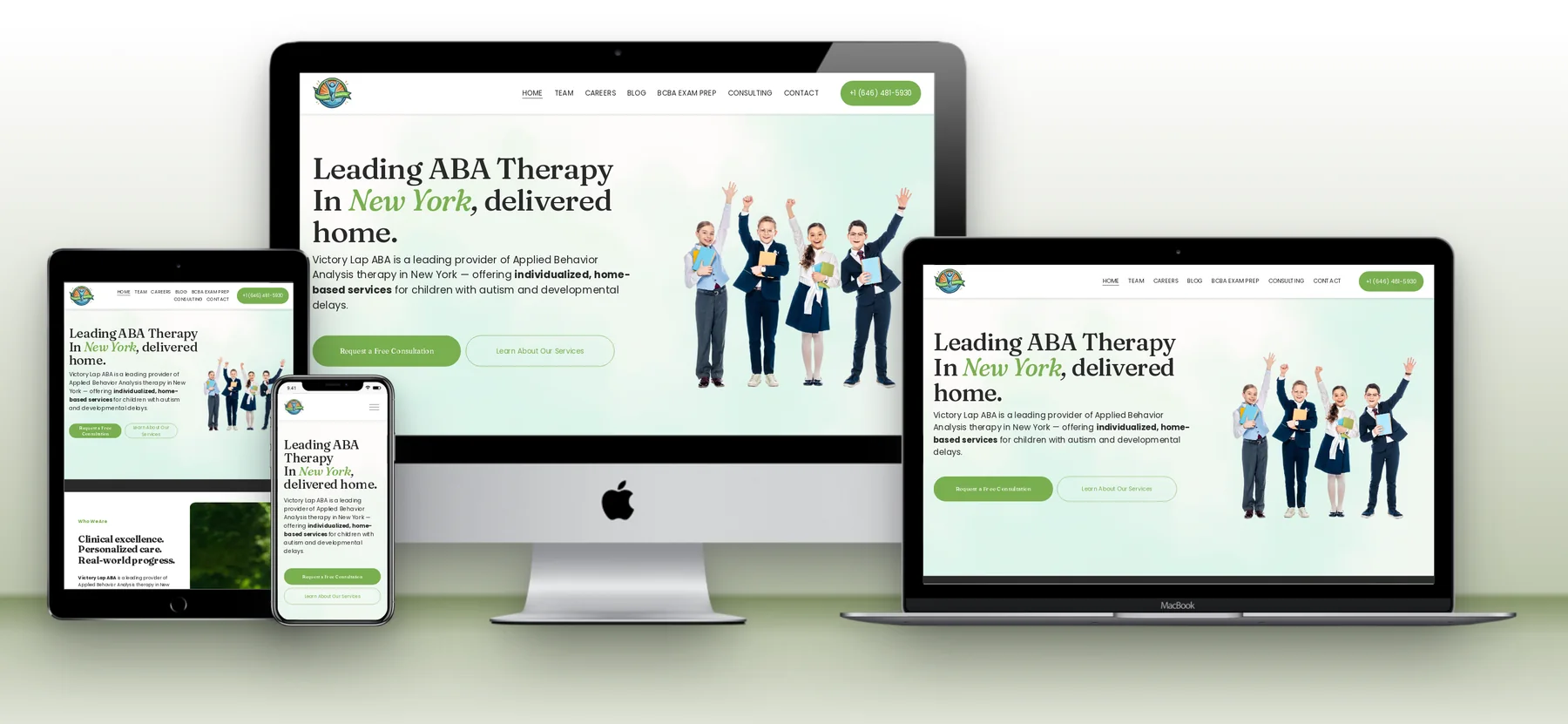
1. Show every screen size, with its real layout
Most clients will see their own site on a phone first. A mockup that shows the mobile layout working answers the question they haven’t asked yet. Make sure each device shows its genuine layout, not a shrunken desktop page.
2. Lead with one strong hero image
Pick a single image as the project thumbnail and make it the cleanest: two or three devices, plenty of space, nothing cut off. For most of my projects that is a laptop with a tablet or a phone beside it.
3. Match the background to the brand
A soft colour from the client’s palette ties the mockup to the brand. A light grey works for almost anything. Avoid busy desk photos with plants and coffee cups that fight the website for attention.
4. Show the pages that sell, not just the homepage
Scroll a frame down to the services section, the booking form or the product page. A homepage hero shows taste; the inner pages show you understand how the business makes money.
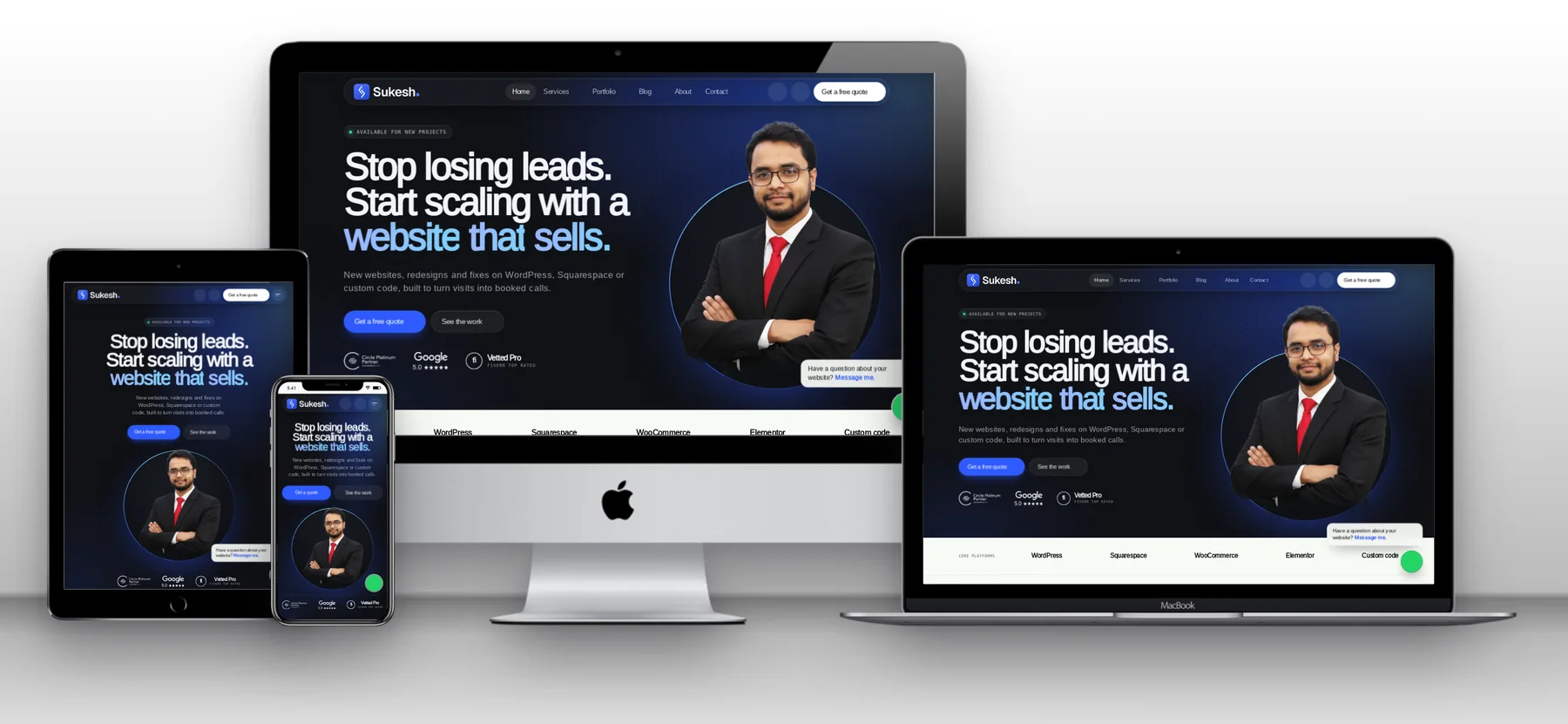
5. Add a scrolling preview
A short looping video of the homepage scrolling top to bottom gives a feel for the whole site that still images can’t. Keep it silent, under a few MB, and use a video rather than a GIF; it looks sharper at a fraction of the size.
6. Keep the images light
Mockups are big images, and a portfolio full of 3 MB PNGs is slow, which is a bad look for a web designer. Export at the size you need and convert to WebP or a compressed JPG before uploading. The Bulk Image Converter can set a target size for the whole batch.
7. Pair every mockup with a real result
A beautiful mockup gets attention; a result keeps it. Add one honest number or outcome to each project: a page speed score, launch in five weeks, a client’s own words. Never invent them.
A quick checklist
- Desktop, tablet and phone, each with its real layout
- Pop-ups and cookie banners closed
- Brand-friendly background
- One hero image, plus two or three supporting views
- A scrolling preview
- Images compressed before upload
- A real result next to the visuals
Want your own work presented like this?
Every project in my portfolio follows this checklist. If you need a website, or a portfolio site that shows off your own work properly, get in touch.
Frequently asked questions
What is the best mockup size for a portfolio?
Around 1,600 to 2,400 pixels wide is plenty for most portfolio layouts. Compress to a few hundred KB.
Should I use PSD mockup templates?
They give full control but take time per project. For live sites, generating mockups from the URL is much faster and always shows the current design.
Do I need permission to show client websites?
Live public websites are usually fine to show, but ask if a project was confidential or not yet launched.