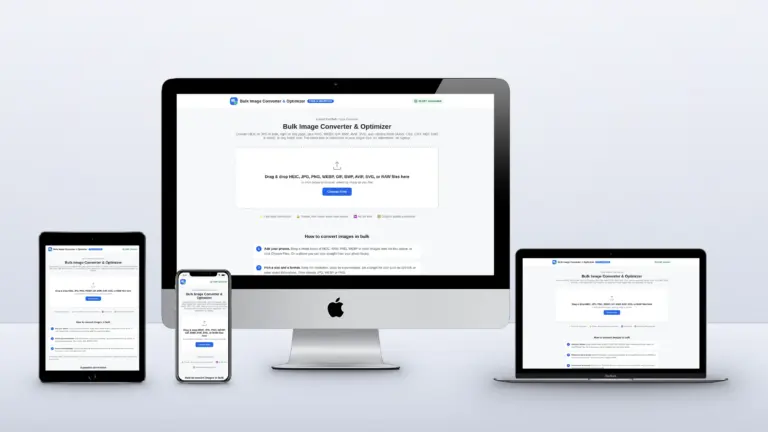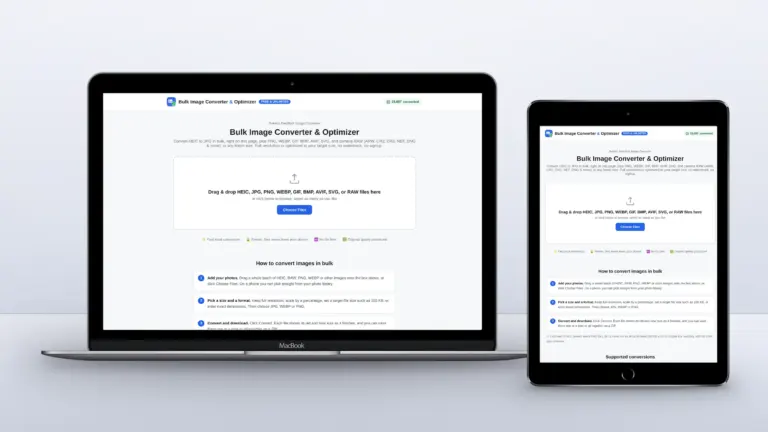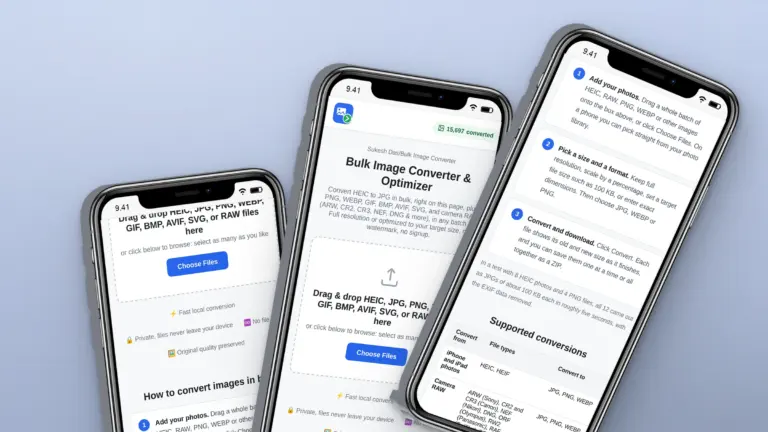

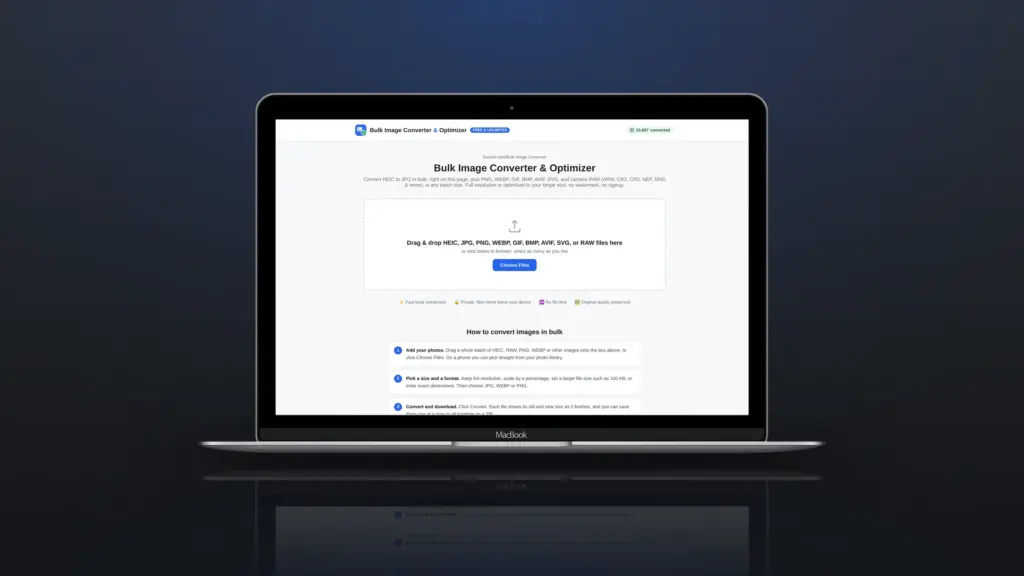
RAW files are the digital negative of a photo: everything the camera sensor recorded, before any processing. That makes them perfect for editing and useless for almost everything else. Clients can’t open them, websites won’t accept them, and each one is 20 to 50 MB. When you just need JPGs, opening Lightroom or a camera maker’s app is a slow way to get them.
Quick answer: Drop your RAW files into the free Bulk Image Converter, choose JPG and a quality (90% is a good default), click Convert and download the ZIP. It reads Canon CR2 and CR3, Nikon NEF, Sony ARW, Fujifilm RAF, Olympus ORF, Panasonic RW2, Pentax PEF, Samsung SRW and DNG, and the files never leave your computer.
A real test: six RAW files from six cameras
I tested the converter with public sample files from raw.pixls.us: a Canon 5D Mark III CR2, a Canon EOS R10 CR3, a Nikon D750 NEF, a Sony A7 III ARW, a Fujifilm X-T3 RAF and an iPhone 12 Pro DNG. Together they were about 185 MB.
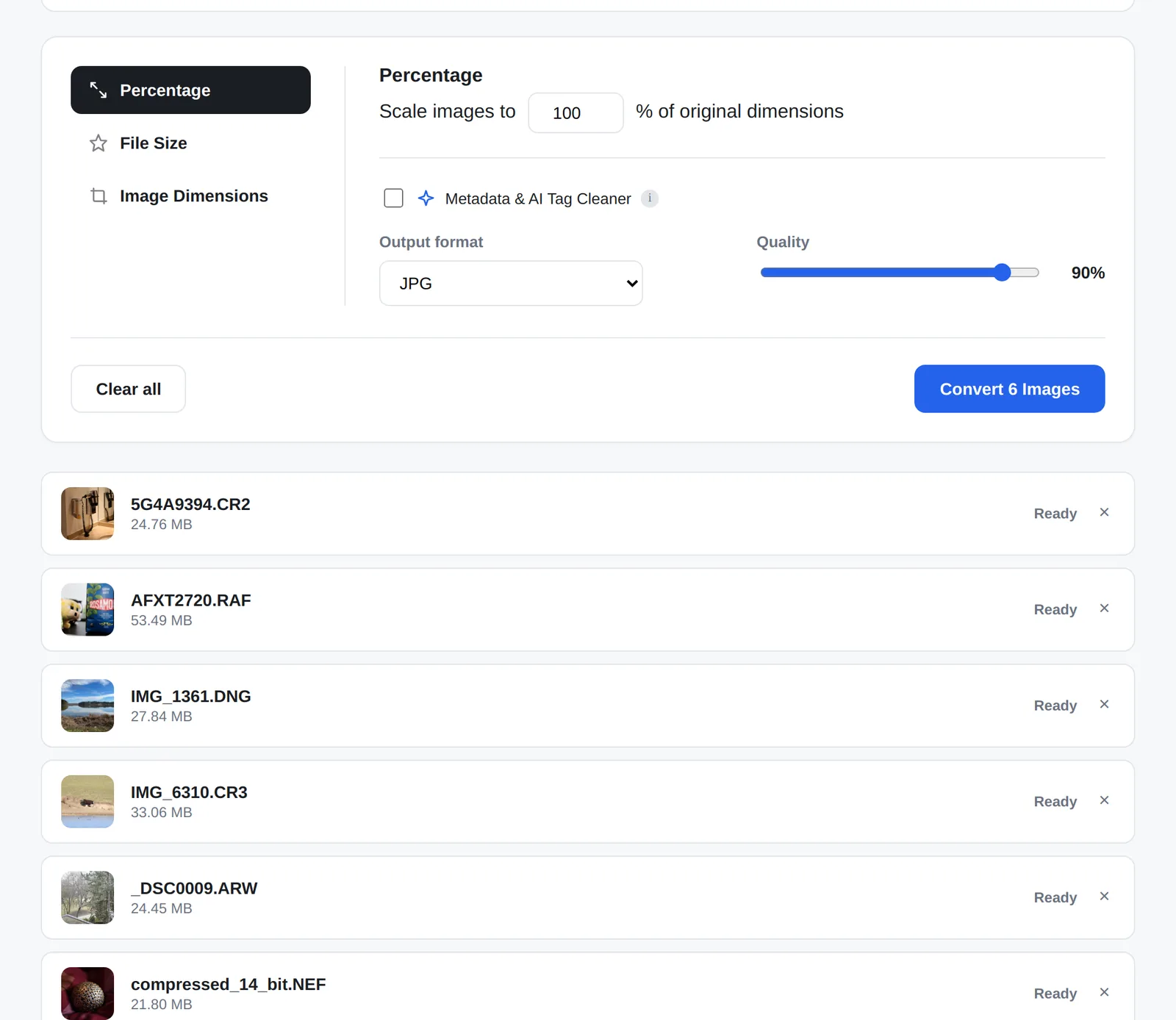
The file list shows a real thumbnail for each one, pulled from the preview image the camera stores inside the RAW file, so you can tell your photos apart before converting. At 90% quality, all six came out as JPGs of 1.2 to 4.6 MB, about 14 MB in total, and the batch took around 35 seconds.
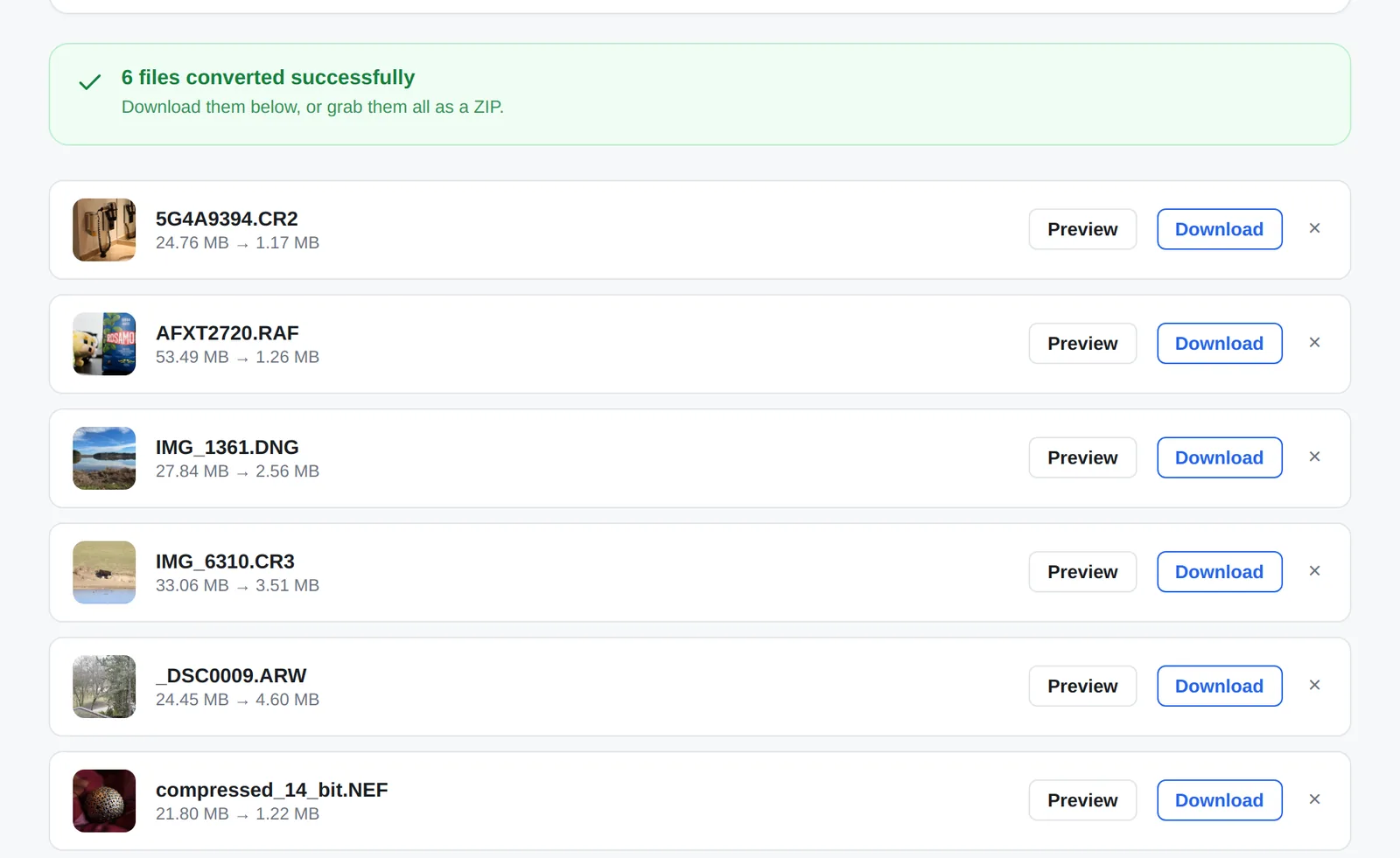
How to convert RAW to JPG in bulk, step by step
- Open the converter and drag in your RAW files. You can mix cameras and formats in one batch.
- Choose JPG as the output and set quality. 90% for prints and archives, 75 to 80% for sharing.
- Need web-ready files? Choose Percentage to scale them down, or File Size to set a limit such as 1 MB.
- Click Convert, check the new sizes, then Download All as ZIP.
Be honest about what you lose
A quick conversion is not the same as editing. The converter develops each RAW file with LibRaw’s standard settings, which gives a natural, neutral look rather than your camera’s own picture style. You won’t get the highlight recovery, white balance tweaks or lens corrections you would apply in Lightroom or Capture One.
Very large files are also capped at 16 megapixels so they convert reliably in every browser, including Safari on iPhone. In the test above, 24 and 26 megapixel files came out at about 4,900 x 3,270 pixels. That is plenty for a website, an email or a 30 x 20 cm print, but if you need every pixel for a large print, export from your editing software instead.
Other free ways to convert RAW to JPG
| Option | Good for | Watch out for |
|---|---|---|
| Browser converter | Mixed cameras, quick batches, no install | Neutral look, 16 MP cap |
| Canon DPP, Nikon NX Studio, Sony Imaging Edge | Your own camera’s colours and picture styles | Each only reads its own brand |
| Adobe DNG Converter | Turning RAW into DNG for older software | Converts to DNG, not JPG |
| Lightroom or Capture One | Proper editing and full-resolution export | Paid, and slow for a quick batch |
Tips for better JPGs from RAW
- Keep the RAW files. A JPG is a finished image; the RAW is still your negative.
- Use 90% quality for anything you might print. Below 80%, skies and skin start to band.
- For a website, scale to around 2,000 to 2,500 pixels wide. Squarespace, for example, recommends 2,500 pixels and files under 500 KB (Squarespace Help).
- Shooting RAW + JPG in camera is still the fastest option if you know you will need JPGs the same day.
Photographers: is your website doing your work justice?
Heavy galleries are one of the most common reasons a photographer’s website feels slow. I build and speed up websites on Squarespace and WordPress, and can set up an image workflow that keeps quality high and pages fast. Get in touch if that sounds useful.
Frequently asked questions
Can I convert CR3 files without Canon software?
Yes. The browser converter reads CR3 from newer Canon cameras such as the EOS R series, as well as older CR2 files.
Is RAW to JPG conversion lossless?
No. JPG always throws some detail away. At high quality the difference is very hard to see, but keep your RAW files for editing.
Can I convert RAW files on my phone?
Yes, the converter works in mobile browsers. Large RAW files use a lot of memory, so convert a few at a time on a phone.
Are my RAW files uploaded anywhere?
No. The RAW decoding runs in your browser using a WebAssembly build of LibRaw, so the files stay on your device.