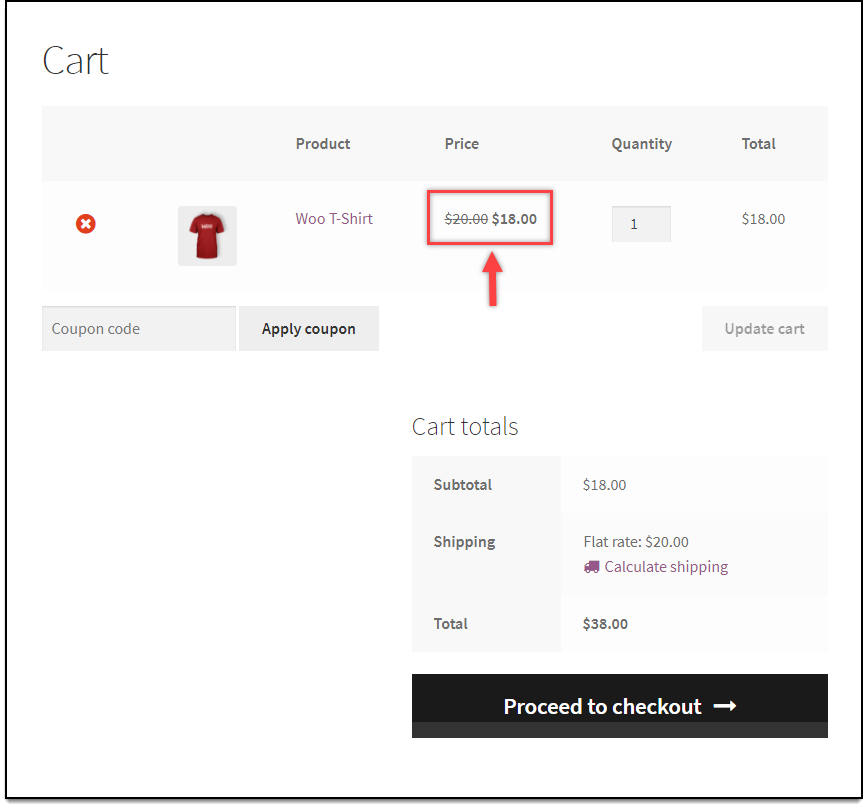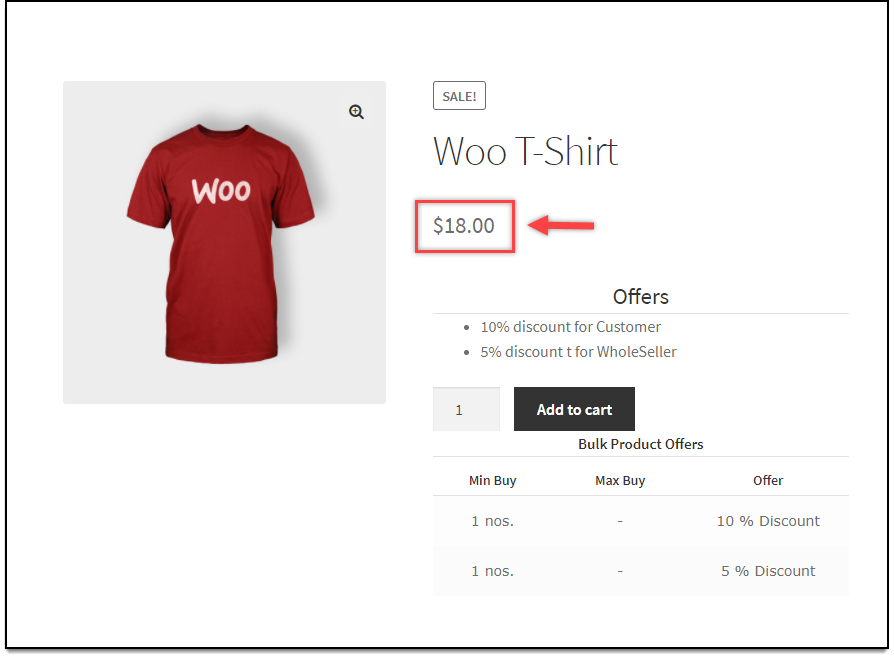
When you apply discount to product(s), WooCommerce, by default, shows the sale price with regular price stricken out. This characteristic can be seen in shop page, product page, cart page as well as checkout page. With the code snippet given below, you can choose to hide striked out price on product, shop and category page, with the help of our Dynamic Pricing and Discounts plugin for WooCommerce.
Code snippet to hide strike out price on product and shop page
add_filter('woocommerce_get_price_html', "xa_only_sale_price", 99, 2);

function xa_only_sale_price($price, $product)
{
    if(!is_cart() && !is_checkout() && !is_ajax()){
        if ($product->is_type('simple') || $product->is_type('variation')) {
            return regularPriceHTML_for_simple_and_variation_product($price, $product);
        }
    }
        return $price;

}

function regularPriceHTML_for_simple_and_variation_product($price, $product){
    return wc_price($product->get_price());
}
Following is a screenshot of how the product price will be shown on product page.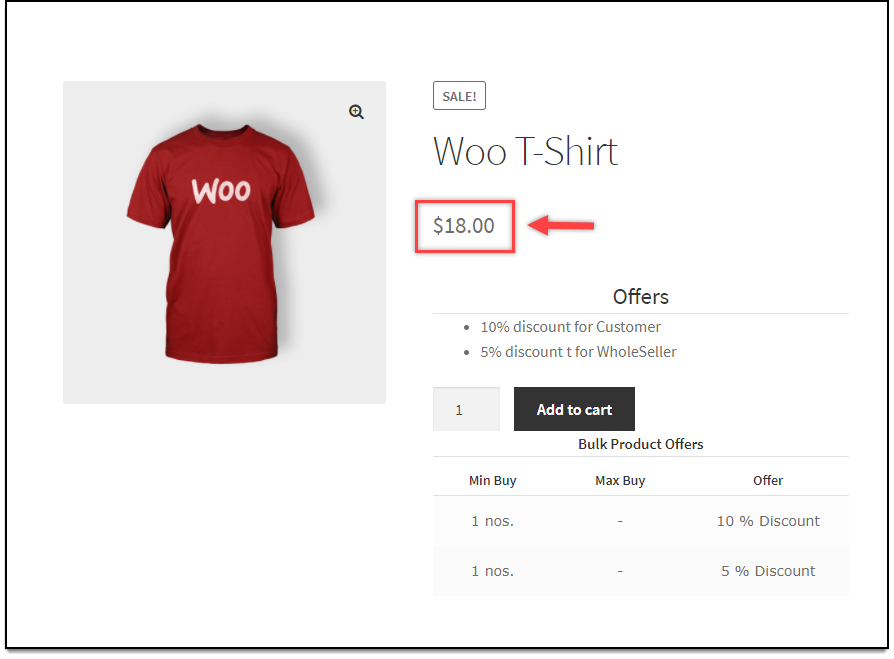
Price display in Product page
Following is a screenshot of how the price will be shown on cart page.