
Every photo from a phone or camera carries a block of hidden information called EXIF. It usually includes the date and time, the phone or camera model, the exposure settings and, if location access was on, the GPS coordinates of where the photo was taken. Post a photo of your new house, your kids’ school or your home office in the wrong place and you may be sharing more than you meant to.
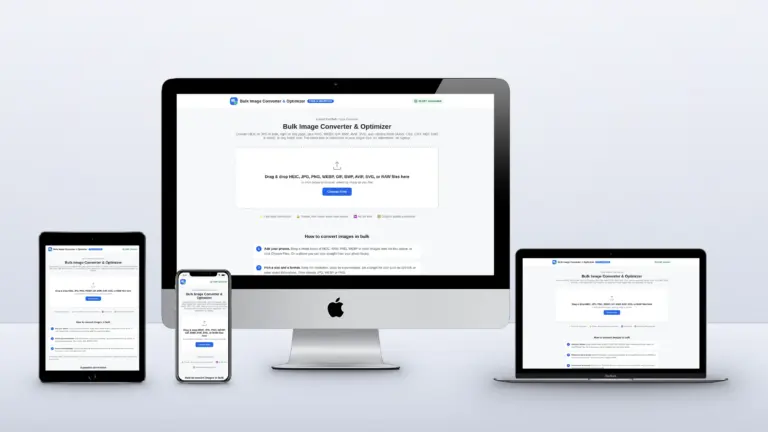
Quick answer: Add your photos to the free Bulk Image Converter and convert them. Every image is rebuilt from its pixels, so EXIF data, including GPS, is left behind. Tick Metadata & AI Tag Cleaner to see a report of what each file contained. Nothing is uploaded; it all happens in your browser.
What is hiding in a photo
| Data | Example | Why it matters |
|---|---|---|
| GPS location | Latitude and longitude to a few metres | Can reveal your home, workplace or routine |
| Date and time | The second the photo was taken | Shows when you were somewhere |
| Device | Phone model, sometimes the lens and serial number | Can link photos back to one device |
| Software and edits | Editing app, edit history | Shows how an image was made |
| Provenance tags | C2PA Content Credentials | Records which tool or AI service created the image |
Many big social networks strip most of this when you upload, but email, file transfers, cloud folders, forums and many websites keep the original file exactly as you sent it.
How to remove EXIF and GPS data in bulk
- Open the converter and add your photos. HEIC, JPG, PNG and RAW all work.
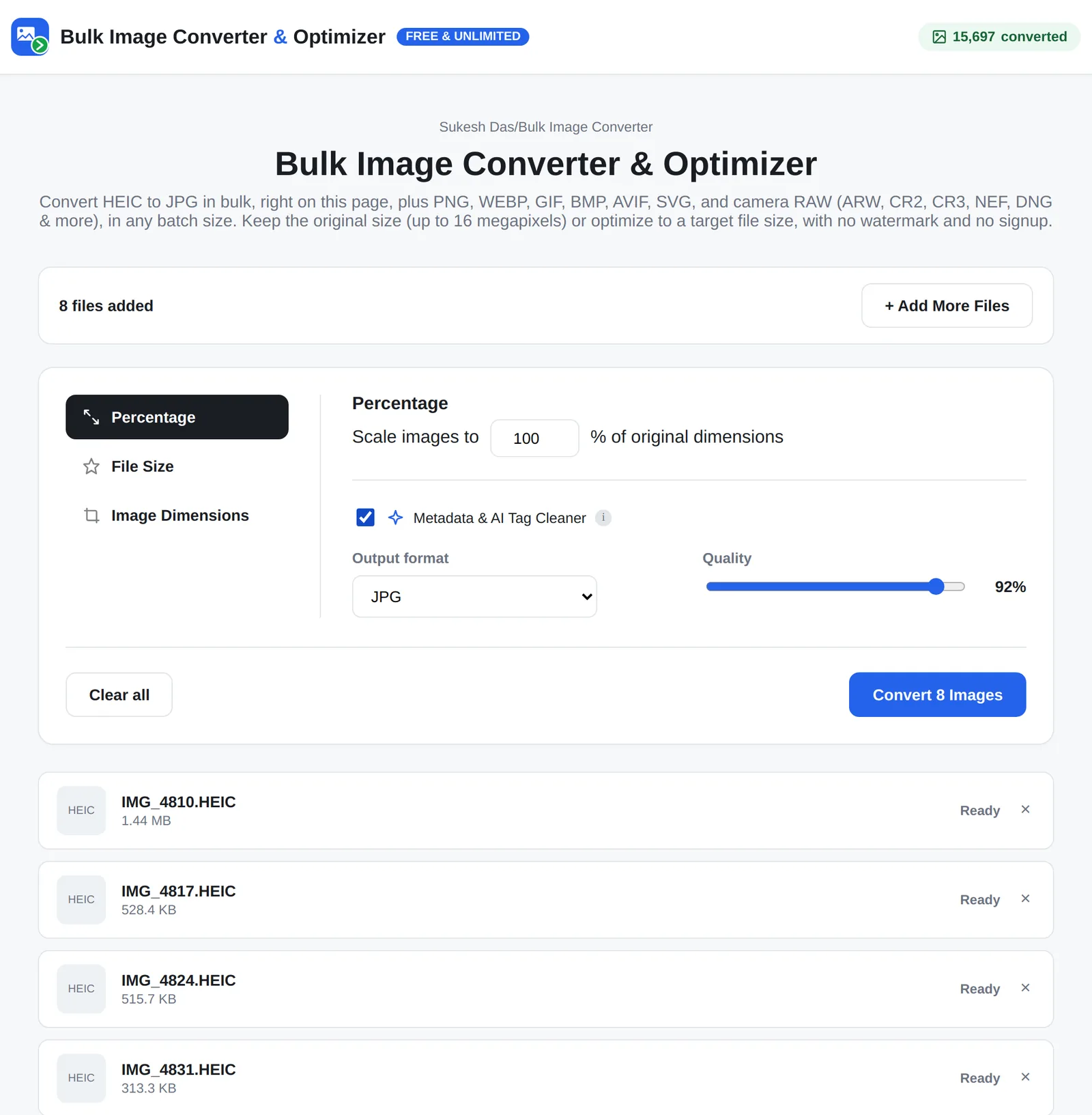
- Tick Metadata & AI Tag Cleaner if you want a report of what was found. The data is removed either way.
- Choose an output format. JPG keeps photos universal; quality 90% keeps them looking the same.
- Convert and download. The new files contain the image and nothing else.
I checked a test batch with a metadata reader: the original HEIC files carried camera details in their EXIF, and none of the converted JPGs had any EXIF data left.

Other ways to remove location data
- iPhone: when you share a photo, tap Options at the top of the share sheet and turn off Location for that share.
- Android: many camera apps have a location tag setting you can turn off so new photos are not tagged.
- Windows: right-click a photo, open Properties > Details and use Remove Properties and Personal Information.
- Mac: in Photos, use Image > Location > Hide Location before exporting.
These work, but one photo or one setting at a time. For a whole folder, converting the batch is quicker and you can check the report.
What about AI tags like C2PA?
Some AI image tools add C2PA Content Credentials, a provenance record saying which tool created or edited the image. The Metadata & AI Tag Cleaner detects and removes these along with the rest of the metadata, which is useful if a credential includes details you don’t want to share.
Be clear about what that does and doesn’t do. Removing metadata doesn’t change how an image was made. OpenAI, for example, notes that metadata can be removed by platforms, editing tools or file conversions, and also embeds a SynthID watermark in the image itself (OpenAI Help). If a platform, client or publication asks you to disclose AI-generated images, disclose them.
Running a website that handles customer photos?
If your site lets customers upload photos, for quotes, reviews or applications, it is worth stripping metadata on the server too. I build custom web tools and WordPress plugins that handle this properly. Get in touch to talk it through.
Frequently asked questions
Does a screenshot remove EXIF data?
A screenshot has its own new metadata, without the original photo’s GPS. But it also loses resolution, so converting is usually the better option.
Can I see a photo’s location before I remove it?
Yes. Tick the Metadata & AI Tag Cleaner and the converter reports what it found in each file.
Does removing EXIF reduce quality?
Metadata isn’t part of the image, so removing it changes nothing you can see. The file is re-encoded once at the quality you choose.
Is it legal to remove metadata from photos?
Removing metadata from your own photos for privacy is normal. Don’t remove credit or copyright information from other people’s work, and follow any disclosure rules for AI-generated images.