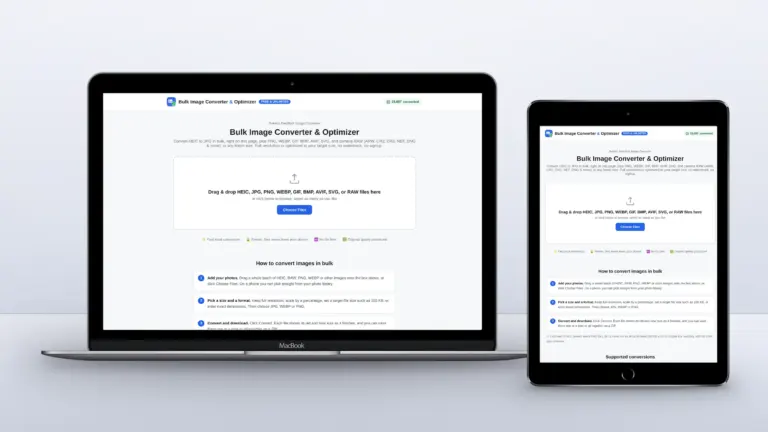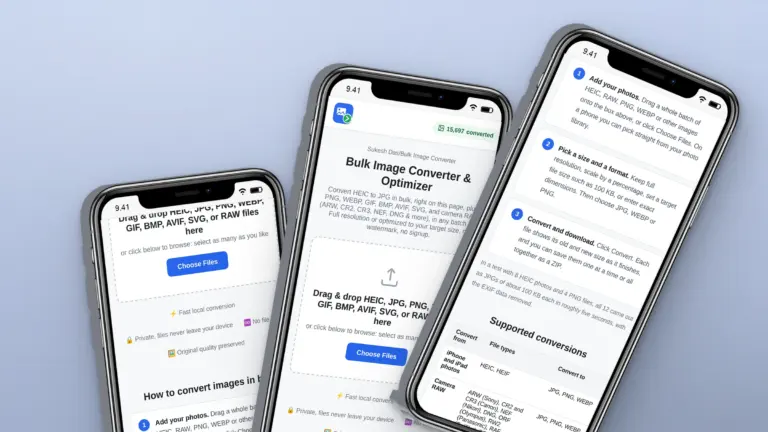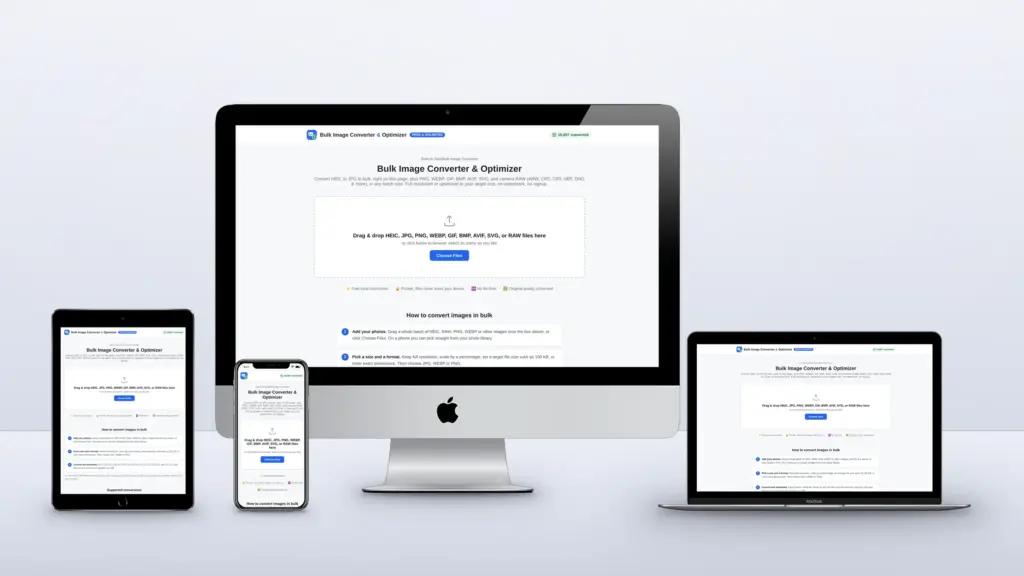
Search for a free image converter and you will find dozens. Most of them are free until they aren’t: ten conversions a day, twenty images per batch, a file size limit, a sign-up wall, or a premium plan for the one setting you need. Almost all of them upload your photos to their servers too. I kept hitting those limits, so I built a free bulk image converter without them. Here is an honest comparison of the popular options and what each one is good at.
Quick answer: For big batches with no sign-up and no uploads, use a browser-based converter such as the free Bulk Image Converter. CloudConvert is best when you also convert documents and video, TinyPNG gives excellent compression for small batches, and Squoosh is great for fine-tuning a single image.
What to check before you choose a converter
- Daily and batch limits. How many files can you convert today, and how many at once?
- File size limits. Camera RAW files are 20 to 50 MB each.
- Sign-up and paid plans. What do you have to give, or pay, to finish the job?
- Uploads. Do your photos go to someone else’s server, or stay on your device?
- Formats. Does it read iPhone HEIC and your camera’s RAW files, and can it save WebP?
- Size control. Can it hit an exact file size like 100 KB for an upload form?
Free image converters compared
| Converter | Free limit | Photos uploaded? | Account or paid plan |
|---|---|---|---|
| This converter (sukeshdas.com) | No limit on files or batches; up to 200 MB per file | No, everything runs in your browser | Neither. Free, no account, no watermark |
| CloudConvert | 10 conversions per day, 1 GB per file | Yes | Paid packages or subscription for more |
| FreeConvert | 20 conversion minutes per day, 5 minutes per file | Yes | Paid plans from $12.99 a month |
| Convertio | Up to 1 GB per file; sign up for larger files | Yes | Paid plans from $6.99 a month (billed yearly) |
| iLoveIMG | Limited tasks and file sizes on the free Basic plan | Yes | Premium from $5 a month (billed yearly) |
| TinyPNG | 20 images per batch, 5 MB each, 3 format conversions | Yes | Web Pro or Web Ultra for more |
| Squoosh | Free, but one image at a time | No | Free, no batch processing |
Free limits as shown on each service’s own pricing or tool page in October 2026. They change from time to time, so check before you rely on them.
The options, one by one
CloudConvert
A very capable converter for almost any file type, including documents, audio and video. The free plan gives you 10 conversions a day, so it suits occasional jobs rather than a folder of photos.
FreeConvert
Lots of formats and options. Free use is measured in conversion minutes, 20 per day, with paid plans for heavier use.
Convertio
Simple and familiar, with large free file sizes. Bigger files need an account, and the paid plans unlock more conversions.
iLoveIMG
A friendly set of image tools beyond conversion, such as cropping and watermarking. The free Basic plan limits tasks and file sizes; Premium removes them.
TinyPNG
Excellent compression for PNG, JPG and WebP. The free web tool takes 20 images at a time, up to 5 MB each, which rules out most camera files.
Squoosh
Google’s open-source tool runs in your browser and lets you compare codecs side by side, which is great for tuning one image. It handles one image at a time, so it is not built for batches.
Why I built my own
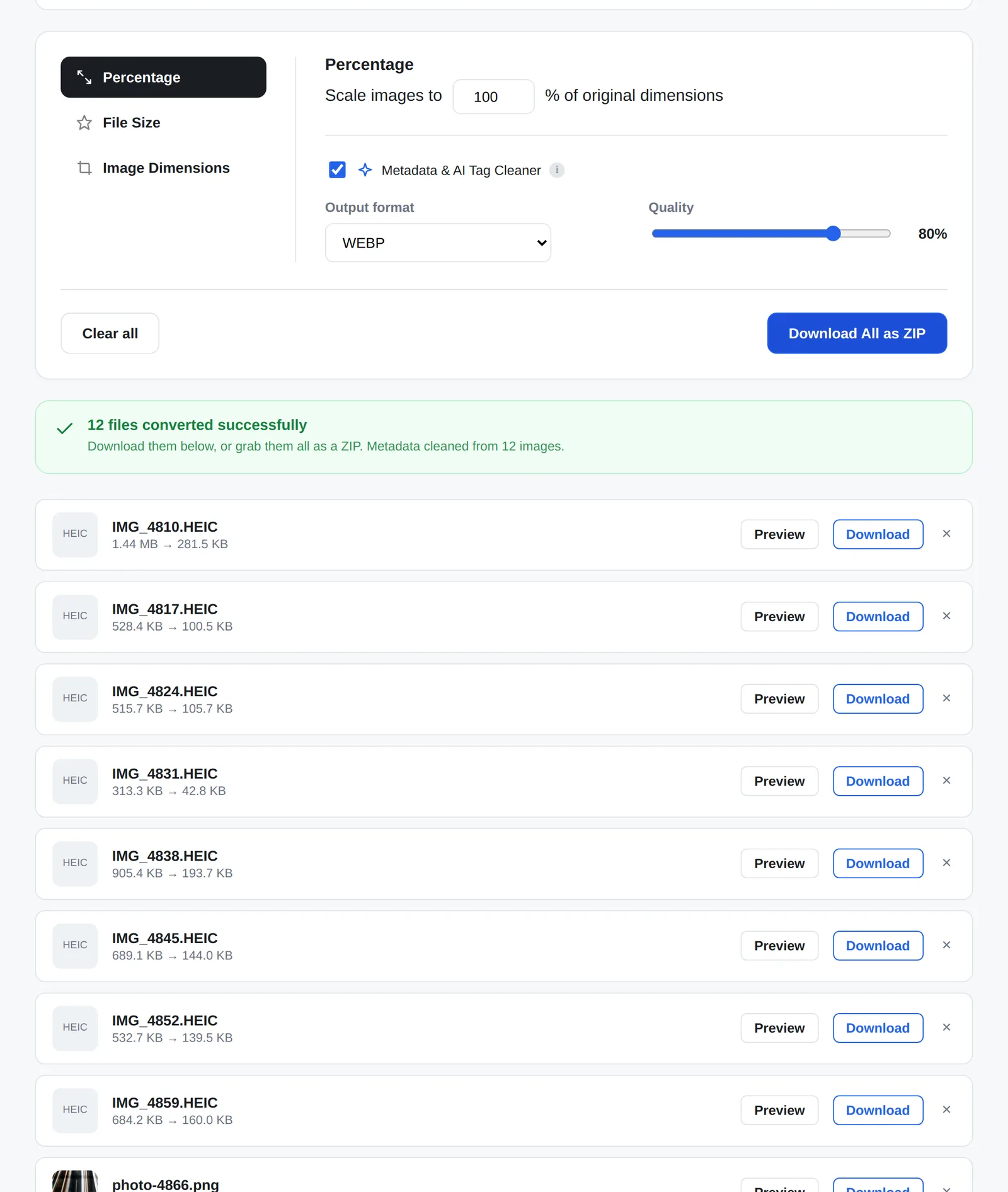
None of these did everything I needed in one place: HEIC and RAW, WebP, an exact file size, metadata removal, big batches, no account and no uploads. So the Bulk Image Converter does all of it, free. Here is what you get that you won’t find together anywhere else:
- Your photos never leave your device. Every file is converted inside your browser, even in big batches. Most of the big online converters upload your photos to their servers before converting them.
- No daily limit, batch limit, account or watermark. Convert 5 files or 500. There is no counter, no sign-up wall, no premium plan and no ads.
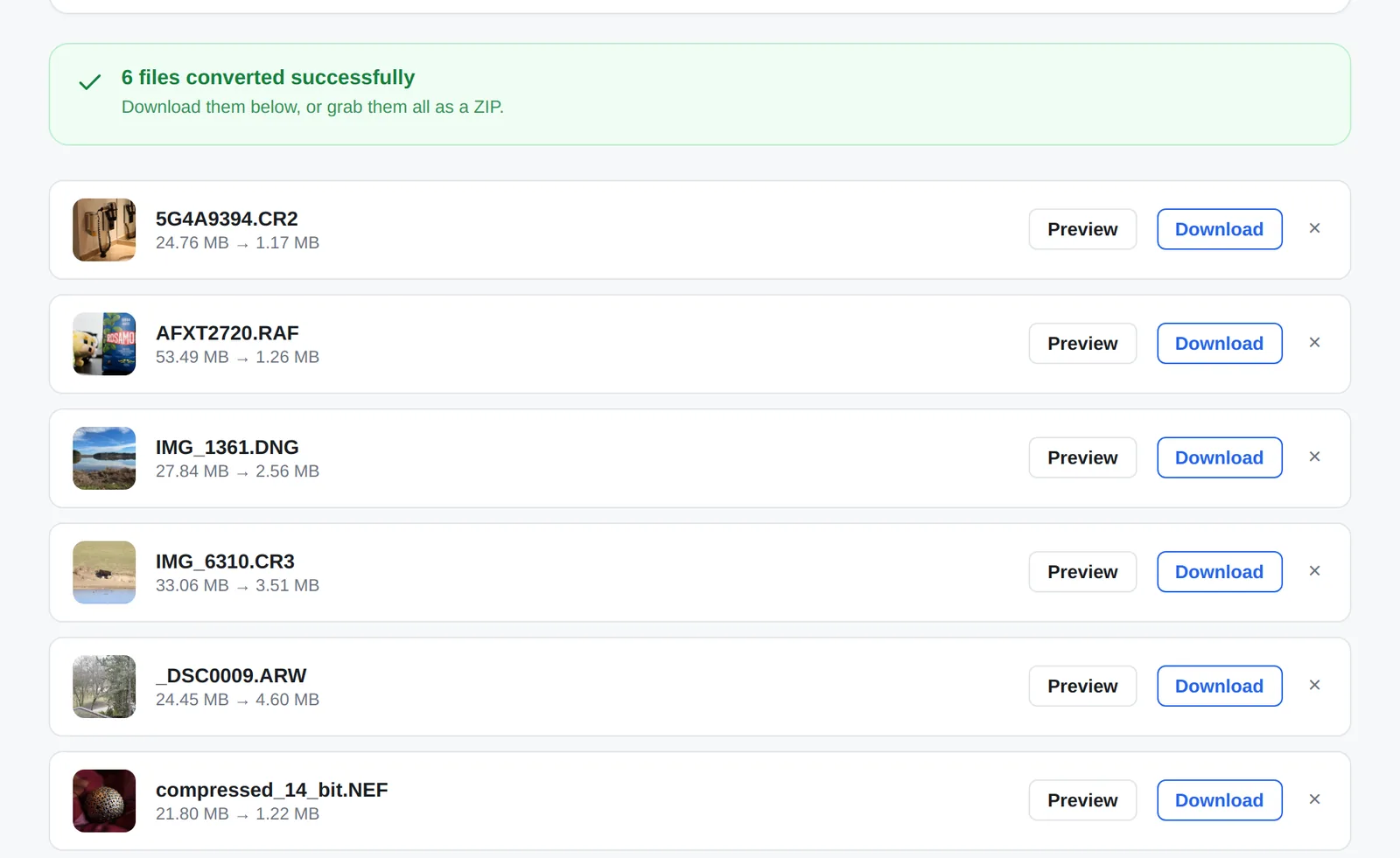
- HEIC, camera RAW and web formats in one place. iPhone HEIC, 10 RAW formats (CR2, CR3, NEF, ARW, DNG, RAF, ORF, RW2, PEF, SRW), WebP, AVIF, PNG, GIF, BMP and SVG, instead of a different website for each.
- Every image compressed to an exact file size. Set a target from 20 KB to 5 MB and each image in the batch gets the highest quality that fits, which is what upload forms with a 100 KB limit need.
- Exact dimensions without stretching. Fit the whole photo with padding, or crop to fill an exact size such as 1080 x 1080.
- A metadata report for every file. See the EXIF, GPS and AI provenance tags (such as C2PA) found in each photo before they are removed.
- Real thumbnails for RAW files. Pulled from the preview stored inside each RAW file, so you can tell your photos apart before converting.
- WebP output in every browser, Safari included. Safari cannot create WebP on its own, so the converter brings its own encoder.
Which one should you use?
| You need to | Good choice |
|---|---|
| Convert a folder of iPhone HEIC photos | Bulk Image Converter |
| Convert RAW camera files to JPG | Bulk Image Converter |
| Hit an exact size like 100 KB for many photos | Bulk Image Converter |
| Convert documents, audio or video as well | CloudConvert or FreeConvert |
| Squeeze a few PNGs as small as possible | TinyPNG |
| Fine-tune one image and compare codecs | Squoosh |
Need a tool like this for your business?
I build custom web apps and tools like this converter, as well as fast WordPress and Squarespace websites. Tell me what you need.
Frequently asked questions
What is the best free image converter with no limits?
The Bulk Image Converter has no daily, batch or file-count limit and needs no account, because the conversion runs in your browser rather than on a paid server.
Is there a CloudConvert alternative for images that doesn’t upload files?
Yes. Browser-based converters process images on your own device. The Bulk Image Converter handles HEIC, RAW, PNG, WebP and more that way.
Is there a TinyPNG alternative without the 20 image limit?
Yes. The Bulk Image Converter has no batch limit and can also compress every image to an exact file size.
Are online image converters safe?
Reputable services are generally safe, but uploading means your photos sit on someone else’s server for a while. If that matters, use a converter that works in your browser.