
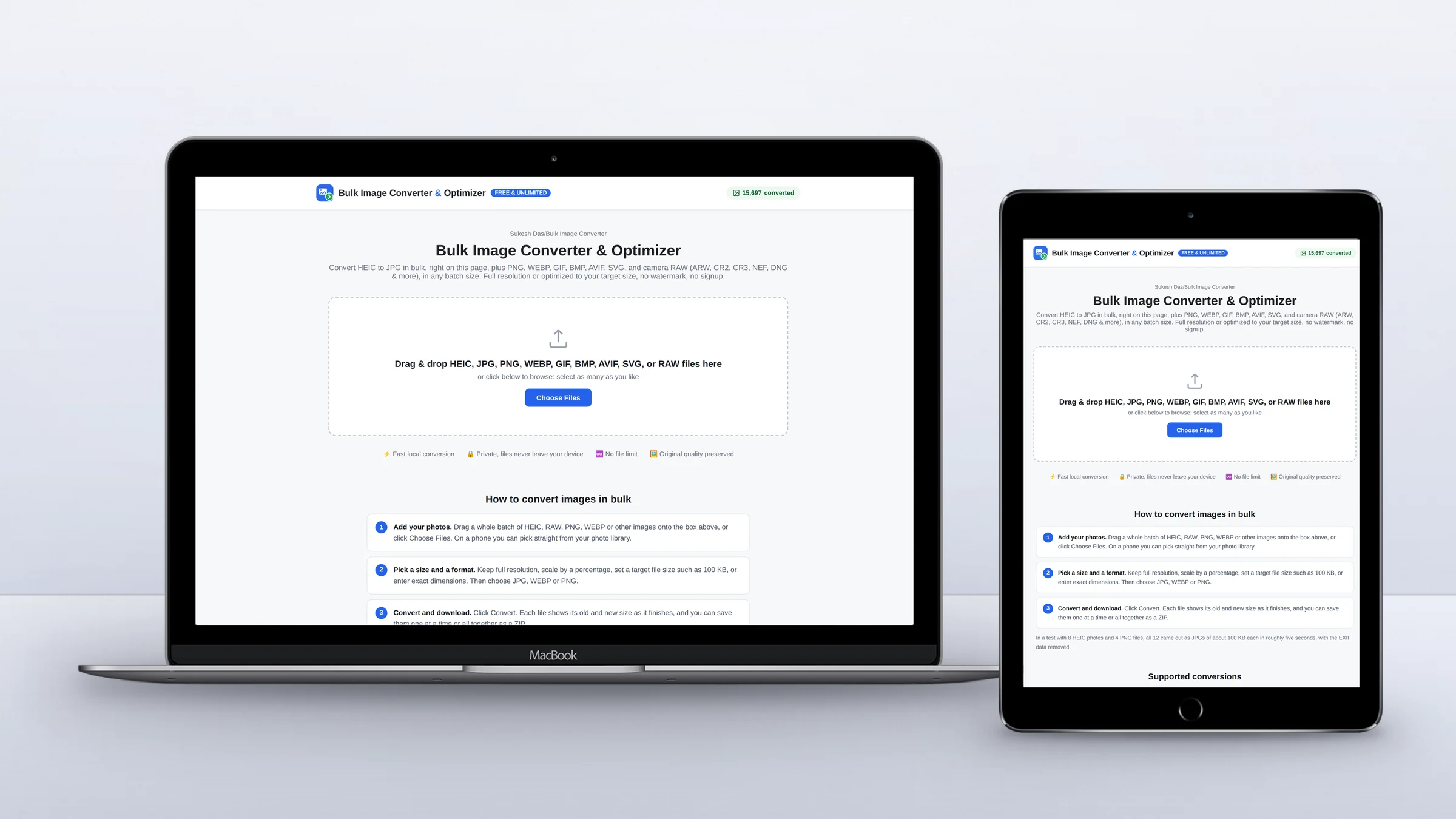
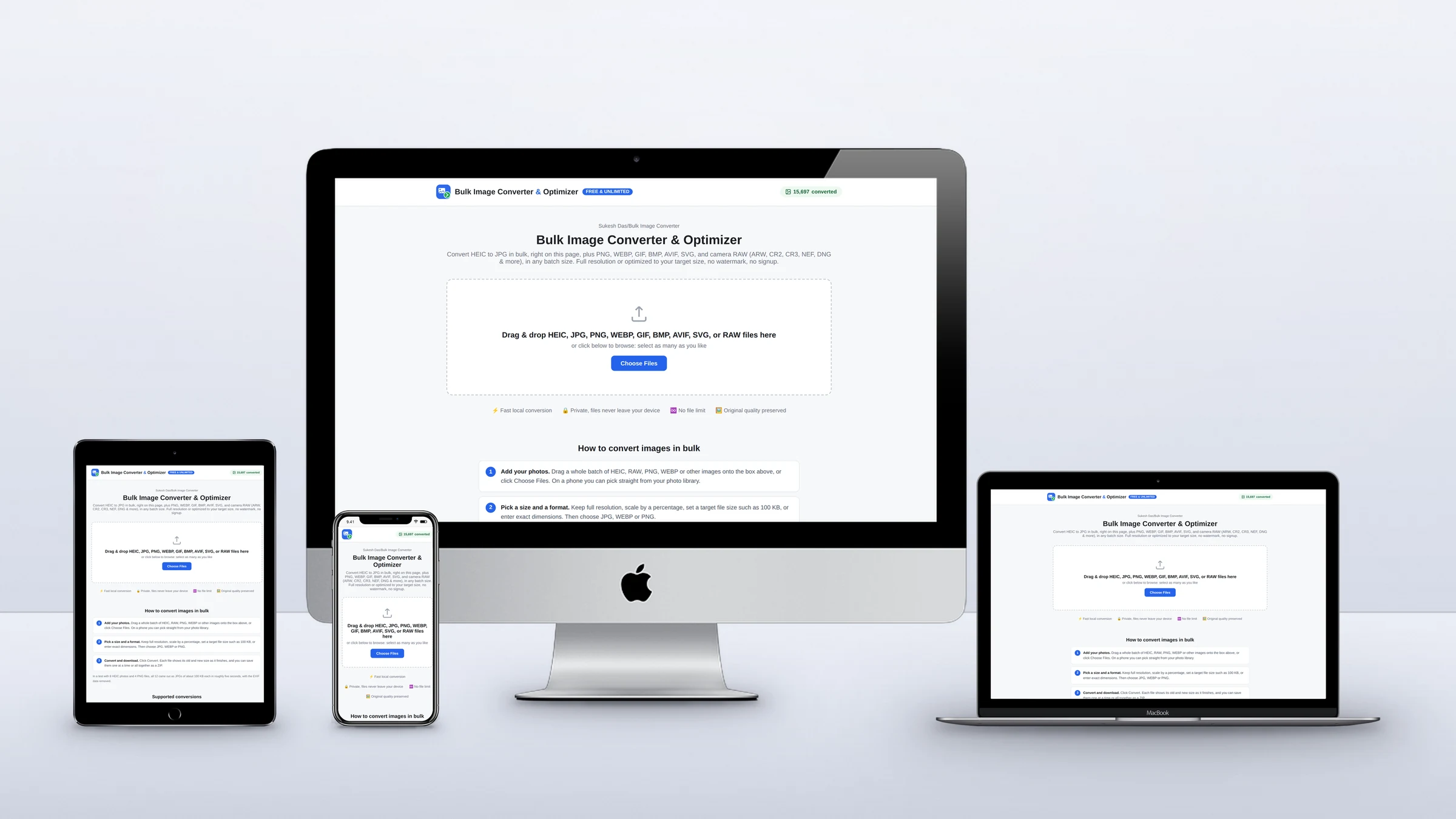
The Bulk Image Converter & Optimizer is a free web app I designed and built from scratch. It converts HEIC, camera RAW, PNG, WebP, AVIF, GIF, BMP and SVG files to JPG, PNG or WebP in any batch size, and it never uploads a single photo: every file is decoded and re-encoded inside the visitor’s browser.
Why I built a free bulk image converter
Most online image converters have a catch. Some allow a handful of conversions a day. Some cap how many files you can add at once, or how big each file can be. Some make you sign up, and many keep the useful features, bigger batches or faster processing behind a premium plan. On top of that, almost all of them upload your photos to their servers before converting anything.
I kept running into those limits myself, so I built the converter I wanted to use: free, unlimited, no sign-up, no watermark, and private, because the photos never leave your device. One tool for HEIC to JPG, RAW to JPG, JPG and PNG to WebP, compressing to an exact file size and removing EXIF data, in as big a batch as you like.
How it compares with other online image converters
Here is what the free versions of popular converters allow, compared with this one. If you are looking for a CloudConvert, FreeConvert, iLoveIMG or TinyPNG alternative without daily limits, or a Squoosh alternative that converts more than one image at a time, this is the gap it fills.
| Converter | Free limit | Photos uploaded? | Account or paid plan |
|---|---|---|---|
| This converter (sukeshdas.com) | No limit on files or batches; up to 200 MB per file | No, everything runs in your browser | Neither. Free, no account, no watermark |
| CloudConvert | 10 conversions per day, 1 GB per file | Yes | Paid packages or subscription for more |
| FreeConvert | 20 conversion minutes per day, 5 minutes per file | Yes | Paid plans from $12.99 a month |
| Convertio | Up to 1 GB per file; sign up for larger files | Yes | Paid plans from $6.99 a month (billed yearly) |
| iLoveIMG | Limited tasks and file sizes on the free Basic plan | Yes | Premium from $5 a month (billed yearly) |
| TinyPNG | 20 images per batch, 5 MB each, 3 format conversions | Yes | Web Pro or Web Ultra for more |
| Squoosh | Free, but one image at a time | No | Free, no batch processing |
Free limits as shown on each service’s own pricing or tool page in October 2026. They can change.
| What you can do | This converter | Most online converters |
|---|---|---|
| HEIC and HEIF from iPhone | Yes | Some |
| Camera RAW (CR2, CR3, NEF, ARW, DNG, RAF) | Yes, 10 RAW formats | Few, often a separate tool |
| Convert multiple images at once | Yes, unlimited | Usually capped on free plans |
| Compress to a target size (e.g. 100 KB) | Yes, 20 KB to 5 MB | Usually a separate compressor |
| Exact dimensions with padding or crop | Yes | Sometimes |
| Removes EXIF and GPS data | Always, with an optional report | Varies |
| Works on iPhone and Android | Yes | Usually |
Features you won’t find together in other free converters
- Your photos never leave your device. Every file is converted inside your browser, even in big batches. Most of the big online converters upload your photos to their servers before converting them.
- No daily limit, batch limit, account or watermark. Convert 5 files or 500. There is no counter, no sign-up wall, no premium plan and no ads.
- HEIC, camera RAW and web formats in one place. iPhone HEIC, 10 RAW formats (CR2, CR3, NEF, ARW, DNG, RAF, ORF, RW2, PEF, SRW), WebP, AVIF, PNG, GIF, BMP and SVG, instead of a different website for each.
- Every image compressed to an exact file size. Set a target from 20 KB to 5 MB and each image in the batch gets the highest quality that fits, which is what upload forms with a 100 KB limit need.
- Exact dimensions without stretching. Fit the whole photo with padding, or crop to fill an exact size such as 1080 x 1080.
- A metadata report for every file. See the EXIF, GPS and AI provenance tags (such as C2PA) found in each photo before they are removed.
- Real thumbnails for RAW files. Pulled from the preview stored inside each RAW file, so you can tell your photos apart before converting.
- WebP output in every browser, Safari included. Safari cannot create WebP on its own, so the converter brings its own encoder.
Who it is for
- iPhone users who need to convert HEIC to JPG in bulk for a PC, a print shop or an upload form
- Photographers who want to convert RAW to JPG (CR2, CR3, NEF, ARW, DNG, RAF) without opening Lightroom
- Web designers and site owners converting JPG and PNG to WebP, or resizing images in bulk for a faster website
- Anyone facing an upload limit who needs to compress images to 100 KB, 500 KB or another exact size
- Anyone sharing photos who wants EXIF and GPS location data removed first
How it started, and how it grew
The first version, in August 2026, did one thing: convert iPhone HEIC photos to JPG in bulk and hand them back as a ZIP. From there it grew in the order people needed it.
- HEIC and HEIF decoded with a self-hosted WebAssembly build of libheif, running in background workers so the page never freezes
- WebP output in every browser. Safari can show WebP but can’t create it, so the app carries its own WebAssembly build of Google’s libwebp encoder
- Camera RAW in September: Canon CR2 and CR3, Nikon NEF, Sony ARW, Fujifilm RAF, DNG and more, through a WebAssembly build of LibRaw, with real thumbnails pulled from each file’s embedded preview
- Resize by percentage, exact dimensions or target file size. For a size limit, each image is encoded a few times to find the highest quality that fits, then scaled down a little at a time only if it has to be
- Metadata & AI Tag Cleaner, which reports the EXIF, GPS and provenance data found in each file before it is removed
- A live counter of images converted, stored in a single locked text file, with no database and no file data ever sent
The hard parts
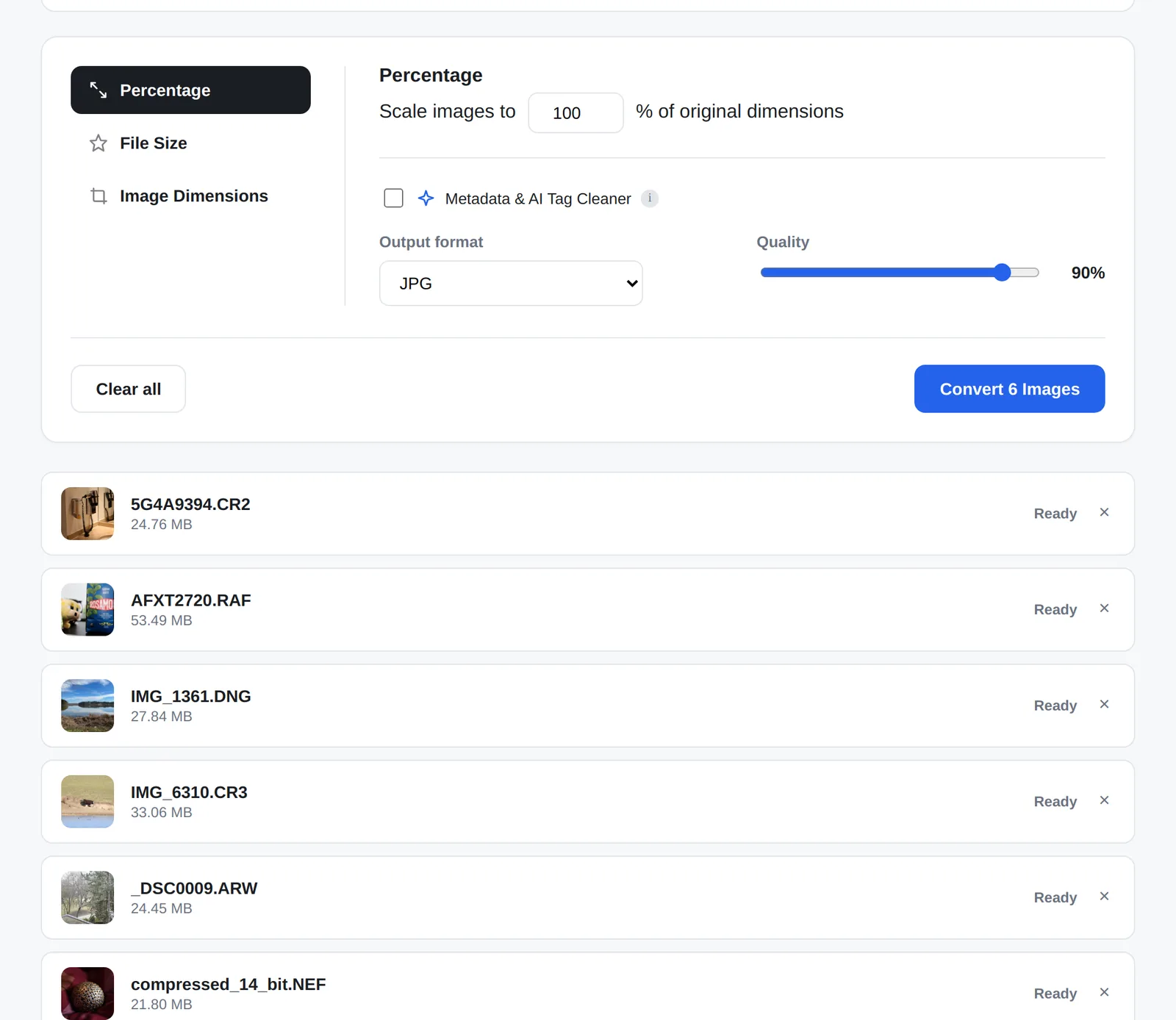
Speed and memory. Phones get fewer background workers than laptops, very large images are capped at 16 megapixels so Safari on iPhone doesn’t run out of canvas memory, and files over 200 MB are skipped with a clear message instead of crashing the tab.
Not every idea survived testing. A multi-threaded RAW decoder needs special cross-origin headers on the page. In live testing those headers broke every background worker, HEIC and WebP included, so they came straight back out and the app uses a single-threaded LibRaw build instead. A converter that works for everyone beats a faster one that breaks for some.
Why custom code instead of WordPress
This is a single-purpose tool where speed is the product, so it lives in its own folder on the site as one PHP page with plain JavaScript and no framework. PHP only serves the page and its security headers; the conversion is all client-side. Every asset is cache-busted by its own modified time, so visitors never get a stale script from the CDN after an update.
Making it findable
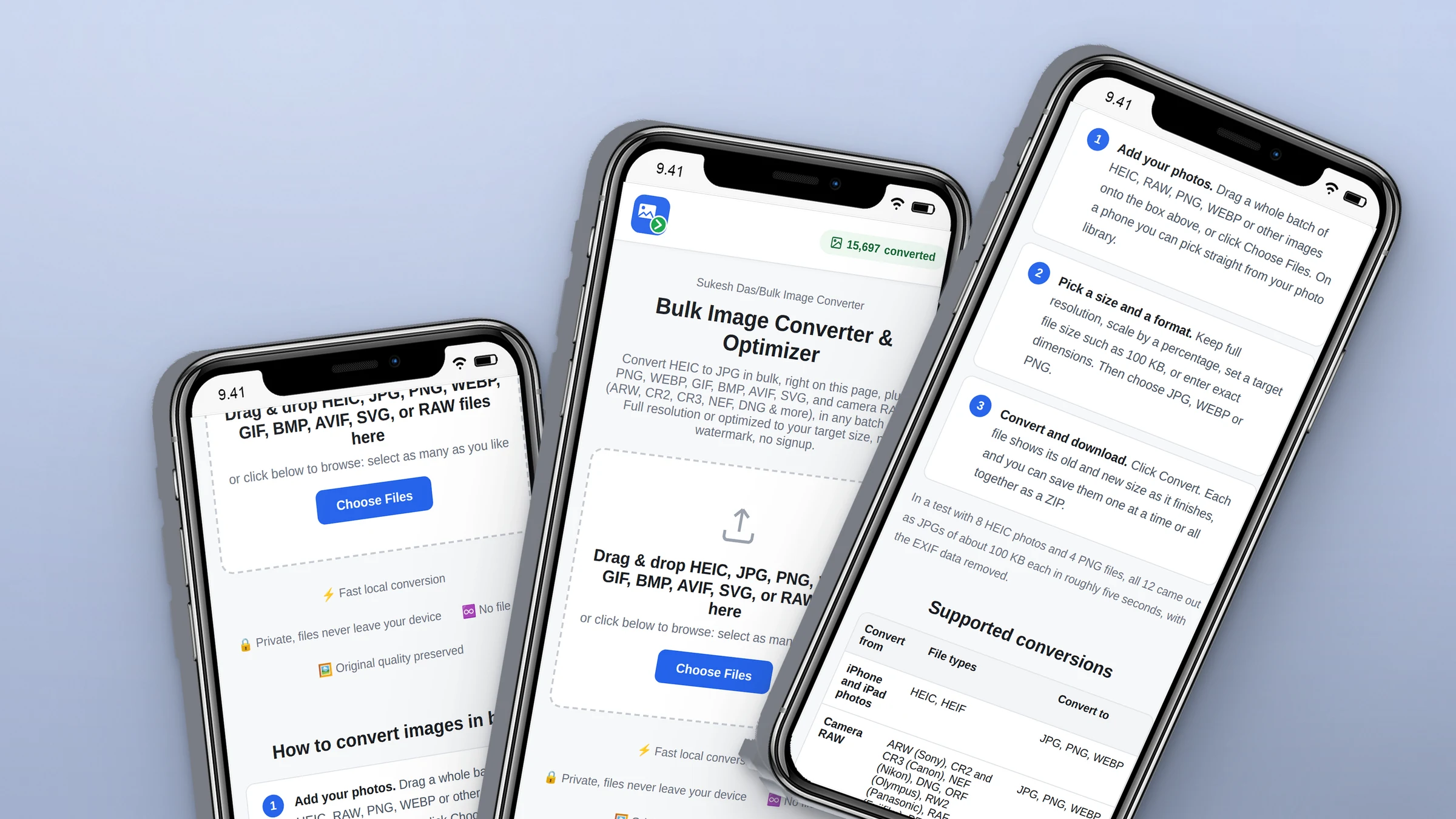
A tool nobody finds doesn’t help anyone. In October I went back over it for search: fixed a canonical tag that was pointing at a duplicate address, added the page to the sitemap, wrote how-to, format and comparison sections around the tool, expanded the FAQ and structured data, and moved analytics into Google Tag Manager with events for each step, from adding files to downloading the ZIP. The original tracking code had been blocked by the page’s own security policy, so it had been recording nothing.
Where it stands
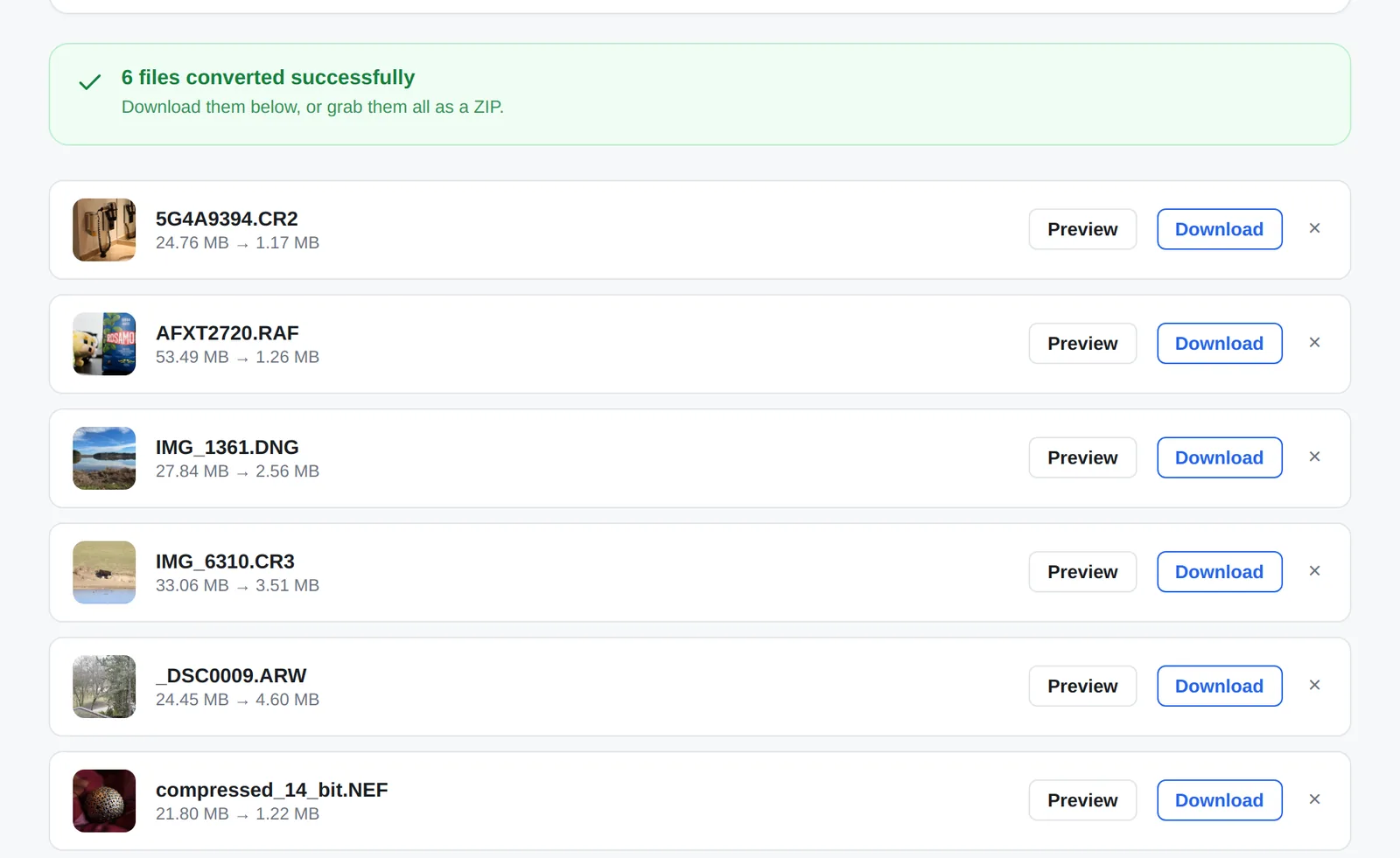
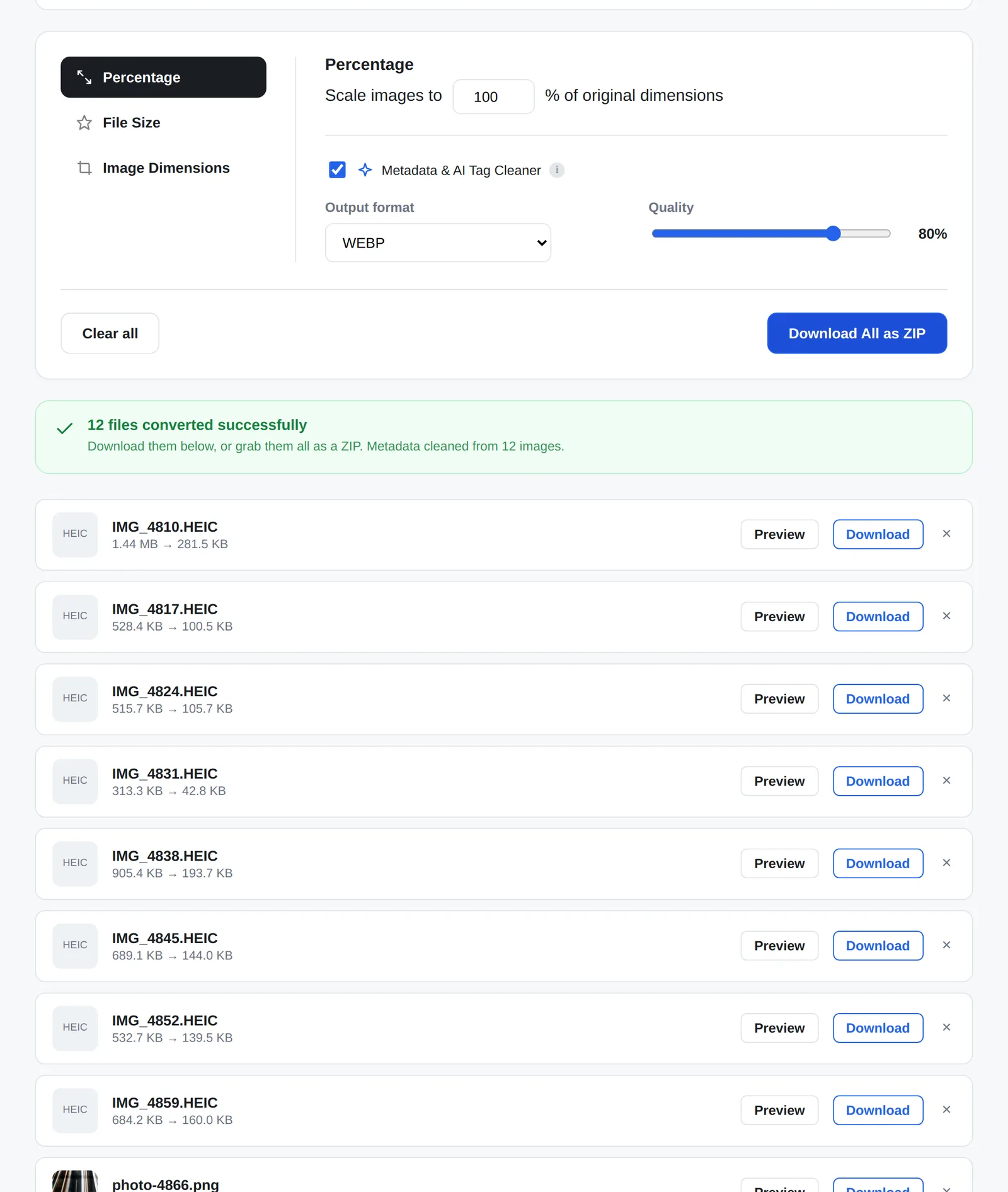
More than 15,000 images have been converted so far, without one of them touching a server. In testing, 12 photos were compressed to 100 KB each in about five seconds, and six RAW files from six different cameras, about 185 MB in total, came out as JPGs in around 35 seconds.
Try the converter, or read how to convert HEIC to JPG in bulk and convert RAW photos without Lightroom.
Need a custom tool like this for your business? See custom web app development or tell me about the idea.